
Preview

What is Pocket Pitstop?
Pocket Pitstop is a garage puzzle game in your browser where every level is one small job: line up tires from smallest to biggest, turn gauge needles straight up, or slide pieces to rebuild a race track picture. Gauges can be linked by one-way arrow belts, so one tap may turn two or three needles, and every level shows its exact fewest-move target. With no timer, no way to lose and free Undo and Hint, the 100 levels suit short breaks and young puzzlers.
Key facts
- Genre
- Puzzle
- Players
- 1 (single player)
- Jobs
- Tire rack, gauge panel, track blueprint
- Levels
- 100 in 5 garages of 20
- Target
- Exact fewest moves, 2 to 24
- 3 stars
- Hit the target without a hint
- Session length
- Under 5 min
- Platform
- Web browser
- Devices
- Desktop, tablet, mobile
- Price
- Free
- Sign-up
- Not required
How do you play Pocket Pitstop?
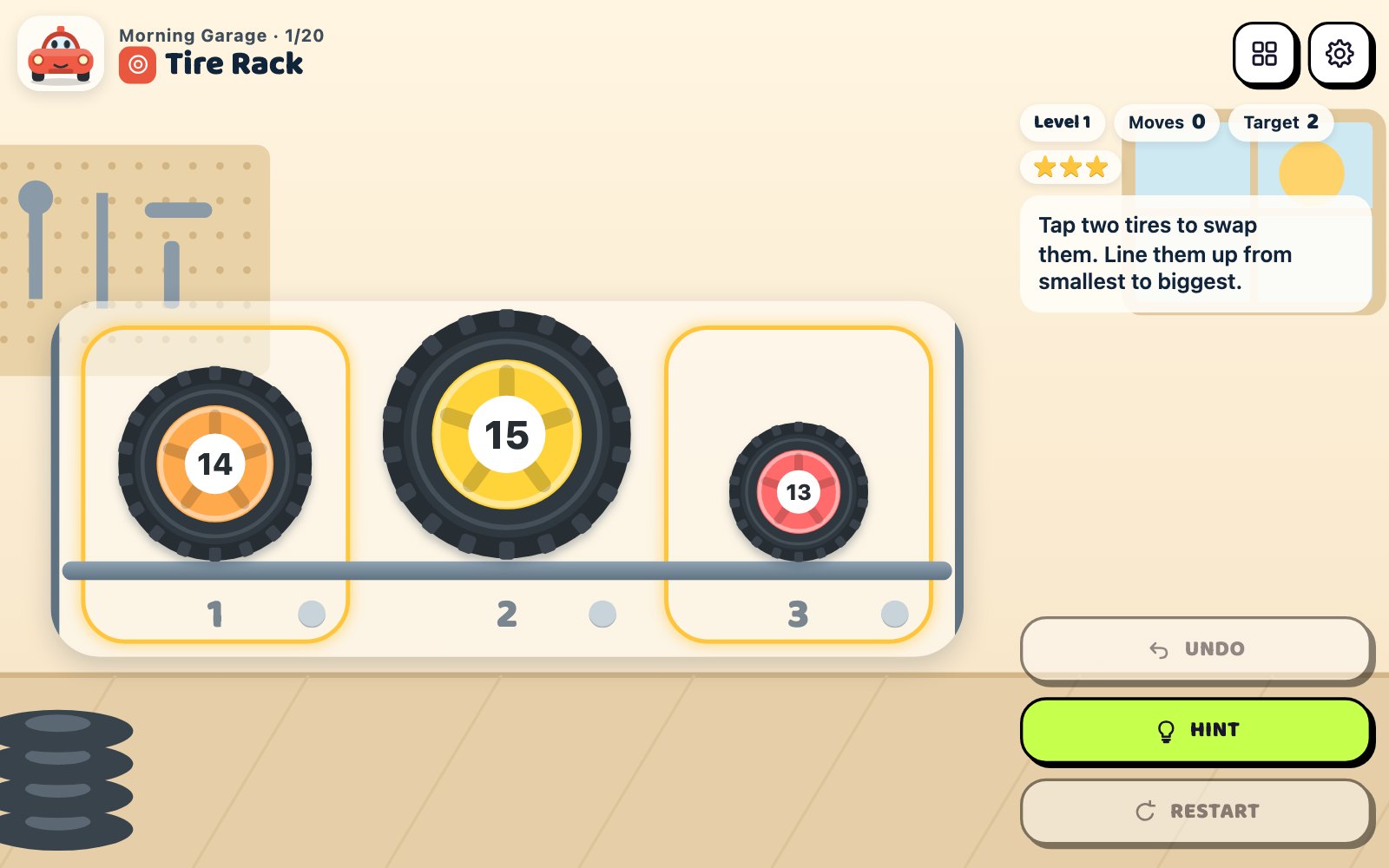
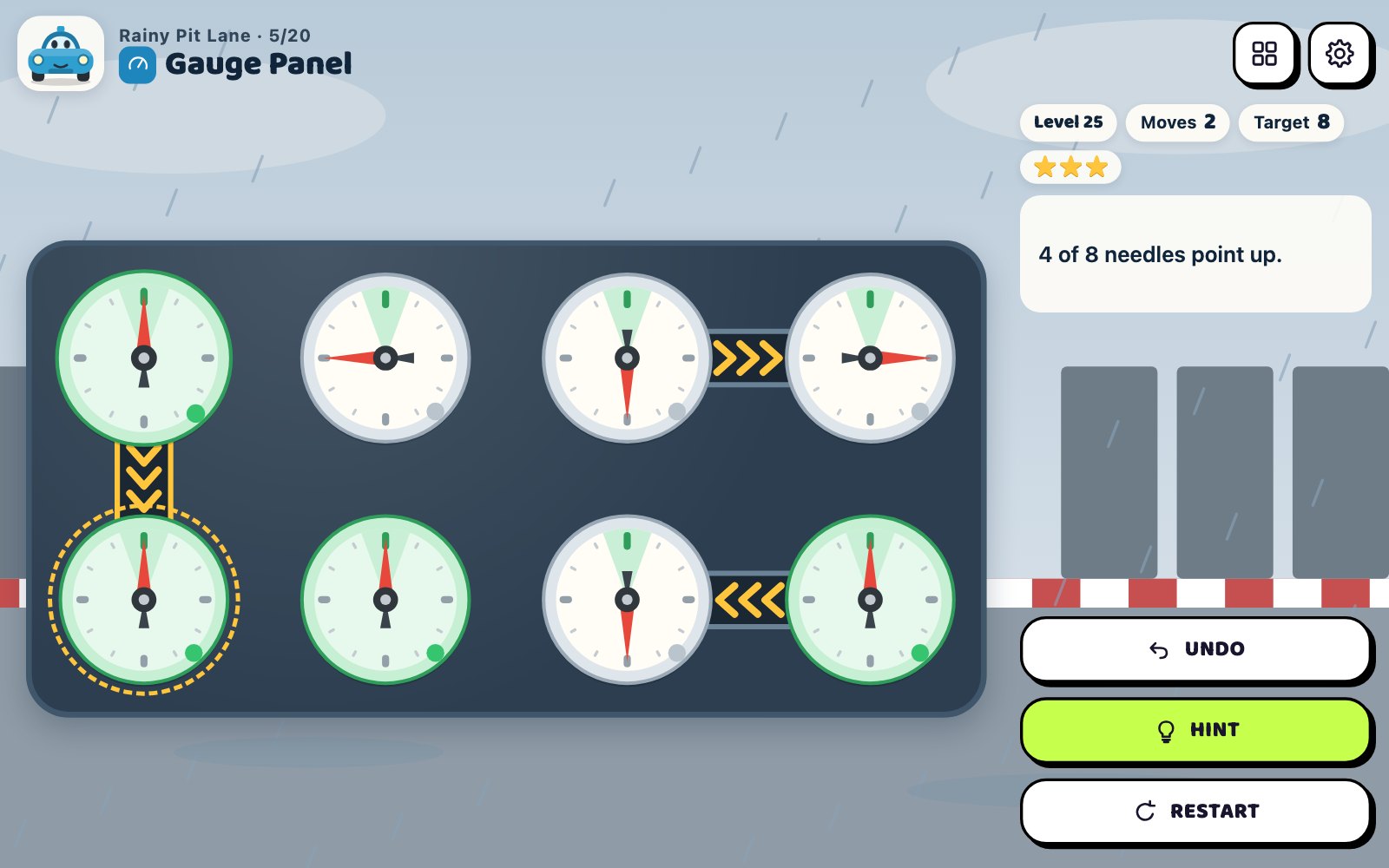
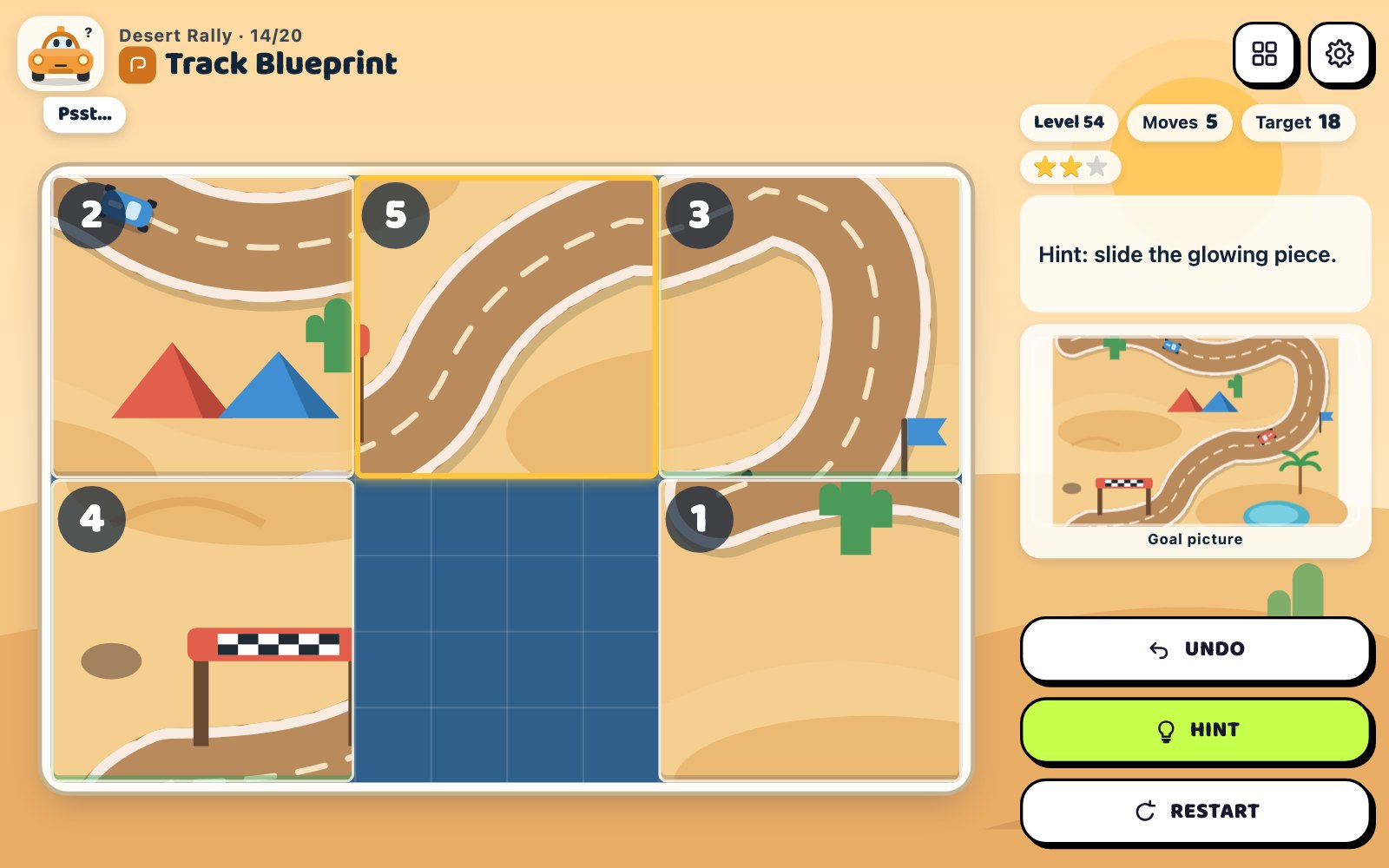
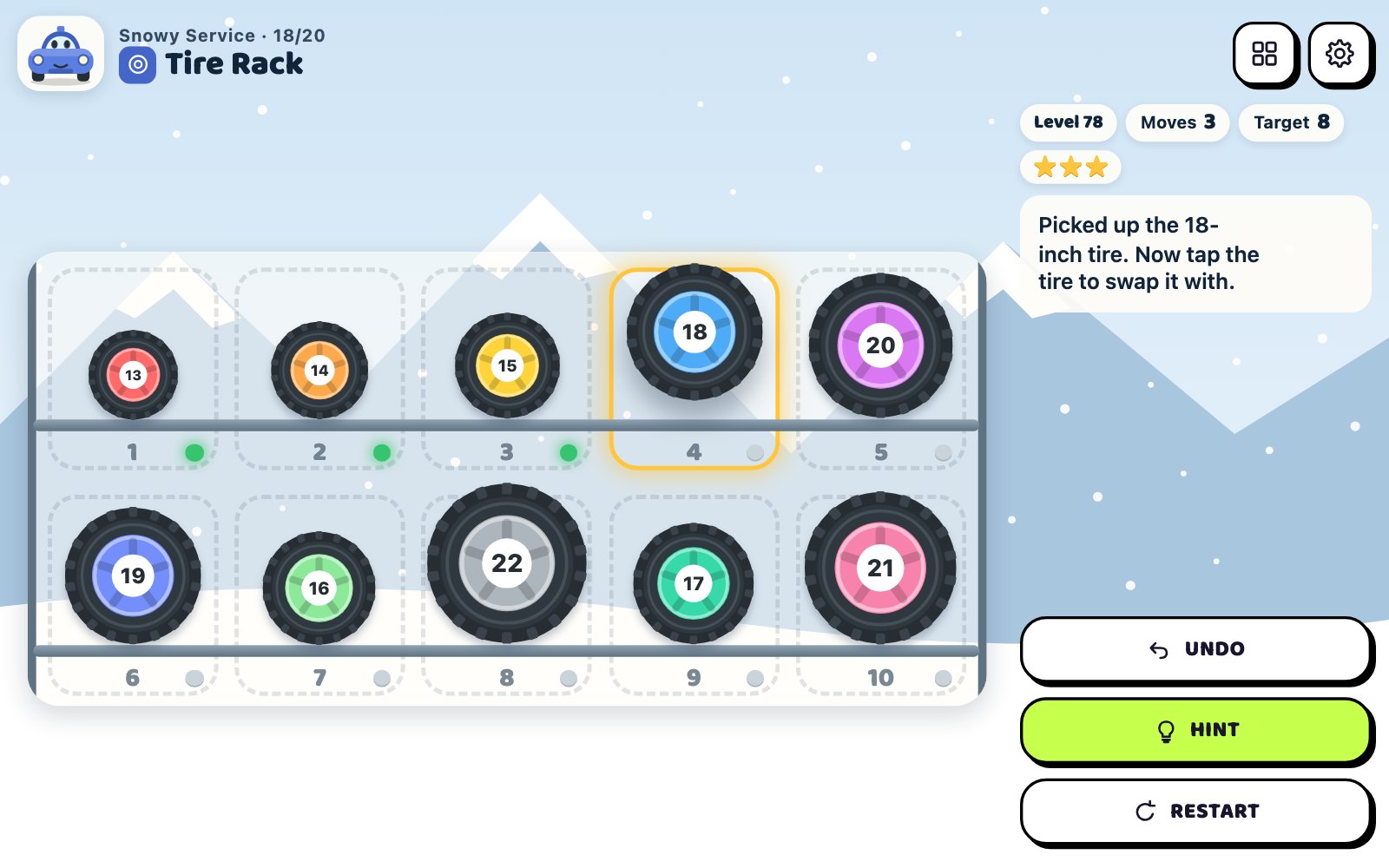
Each level is one of three jobs. On a tire rack, tap two tires, or drag one onto another, to swap them until the sizes run from smallest to biggest, top row first. On a gauge panel, tap a gauge to turn its needle a quarter turn clockwise; an arrow belt also turns the gauge it points to, so fix the gauges that drive others first. On a track blueprint, tap a piece in line with the gap to slide it in and rebuild the picture. There is no timer and no losing: finish in the target moves without a hint for 3 stars.
Tips & strategy
- On a tire rack, make every swap put a tire in its final slot and you always hit the target.
- Two tires sitting in each other's slots? Swap them first: one move places both.
- Count before tapping a gauge: a needle pointing left needs 1 tap, down needs 2 and right needs 3.
- With belts, start with the gauges no arrow points at: once they are set, nothing turns them again.
- On a 3 × 3 blueprint, finish the top row, then the left column, then circle the last four pieces.
- Past the target? Undo lowers the move count too, so step back to the mistake and still earn 3 stars.
What are the controls in Pocket Pitstop?
| ACTION | INPUT |
|---|---|
| Swap two tires | Tap two tires, or drag one onto another |
| Swap two tires | Click two tires, or drag and drop |
| Turn a gauge a quarter turn | Tap or click the gauge |
| Slide track pieces into the gap | Tap or click a piece in the gap's line |
| Pick a tire or gauge by slot, a track piece by its number | 1 – 9, 0 for slot 10 |
| Move between tires or gauges, then tap | Arrow keys and Enter / Space |
| Slide the piece beside the gap | Arrow keys on a track blueprint |
| Undo the last move | U / Z / Backspace / Undo button |
| Show a hint | H / Hint button |
| Restart the level | R / Restart button |
| Open the level map | L / Levels button |
Plays with keyboard, mouse, and touch. Fullscreen works in desktop and mobile browsers.
Pocket Pitstop FAQ
How do the arrow belts work in Pocket Pitstop?
A tapped gauge turns a quarter turn clockwise, and so does every gauge its arrow belts point to. The turn goes one step only: a driven gauge does not pass it on along its own belts. Belts never point both ways between two gauges, so each panel has exactly one fewest-tap answer. Belts first appear on level 5, and level 99 has 11 of them.
How is the move target worked out in Pocket Pitstop?
The target is the exact fewest moves for that level, computed when the levels were built. On tire racks it is the number of tires minus the number of swap loops, on gauge panels it comes from solving the belt links, and on track blueprints from a search of every possible board. Targets run from 2 to 24 moves.
What earns 3 stars on each job in Pocket Pitstop?
Finish in the target moves without using a hint. A hint or a few extra moves still earns 2 stars: up to 2 extra swaps on tire racks, about a quarter more taps on gauge panels (at least 2) and about half more moves on track blueprints (at least 4). Any other finish earns 1 star, and replays keep your best.
Can you lose a level in Pocket Pitstop?
No. There is no timer, no move limit and no fail screen, and every board can always be finished. Undo takes back any number of moves and lowers the move count, Restart puts the board back to its start, and Hint lights up the next move of a shortest route from wherever you are.
How does sliding a whole row work on track blueprints in Pocket Pitstop?
Tap any piece in the same row or column as the gap and every piece between it and the gap slides one cell toward the gap. Each piece that moves counts as one move, so sliding three pieces costs three. Pieces elsewhere stay put and no move is counted. With a keyboard, the arrow keys slide the piece beside the gap in that direction.
How big do the puzzles get in Pocket Pitstop?
The 100 levels grow from 3 tires, 3 gauges and a 2 × 2 blueprint in the first garage to racks of 10 tires on two rows (from level 78), panels of 12 gauges with up to 11 belts (from level 56) and 3 × 3 blueprints that need up to 24 moves. Each of the 5 garages has 20 levels mixing all three jobs.
How do I read a two-row tire rack in Pocket Pitstop?
Read it like a book: the smallest tire goes in slot 1 at the top left, sizes rise to the right along the top row and then carry on from the left of the bottom row. Every slot is numbered and its light turns green when the right tire is in it. Rim sizes run from 13 to 22 inches, and rim colors go through the rainbow, red for the smallest.
More games like this
 NEW
NEW NEW
NEW NEW
NEW NEW
NEW NEW
NEW