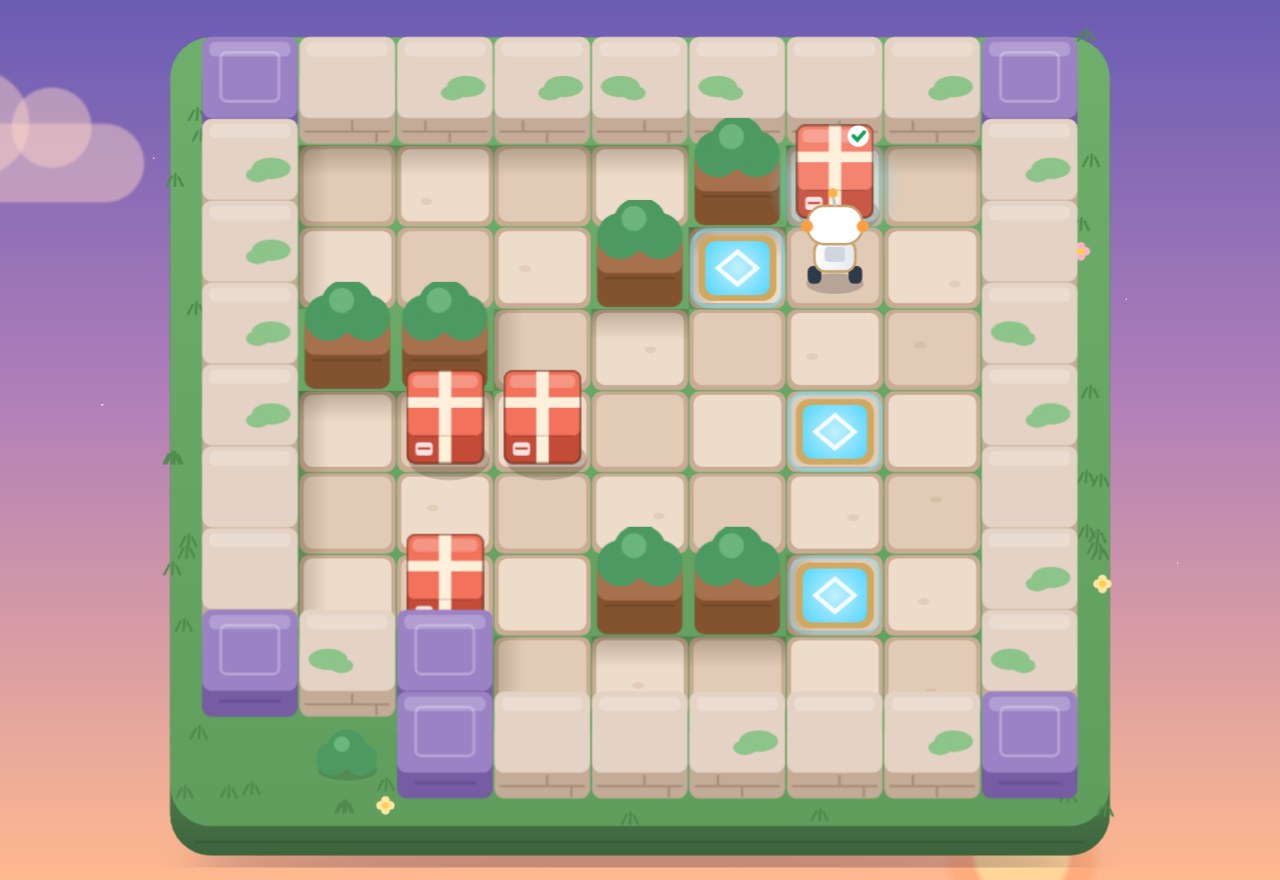
Preview
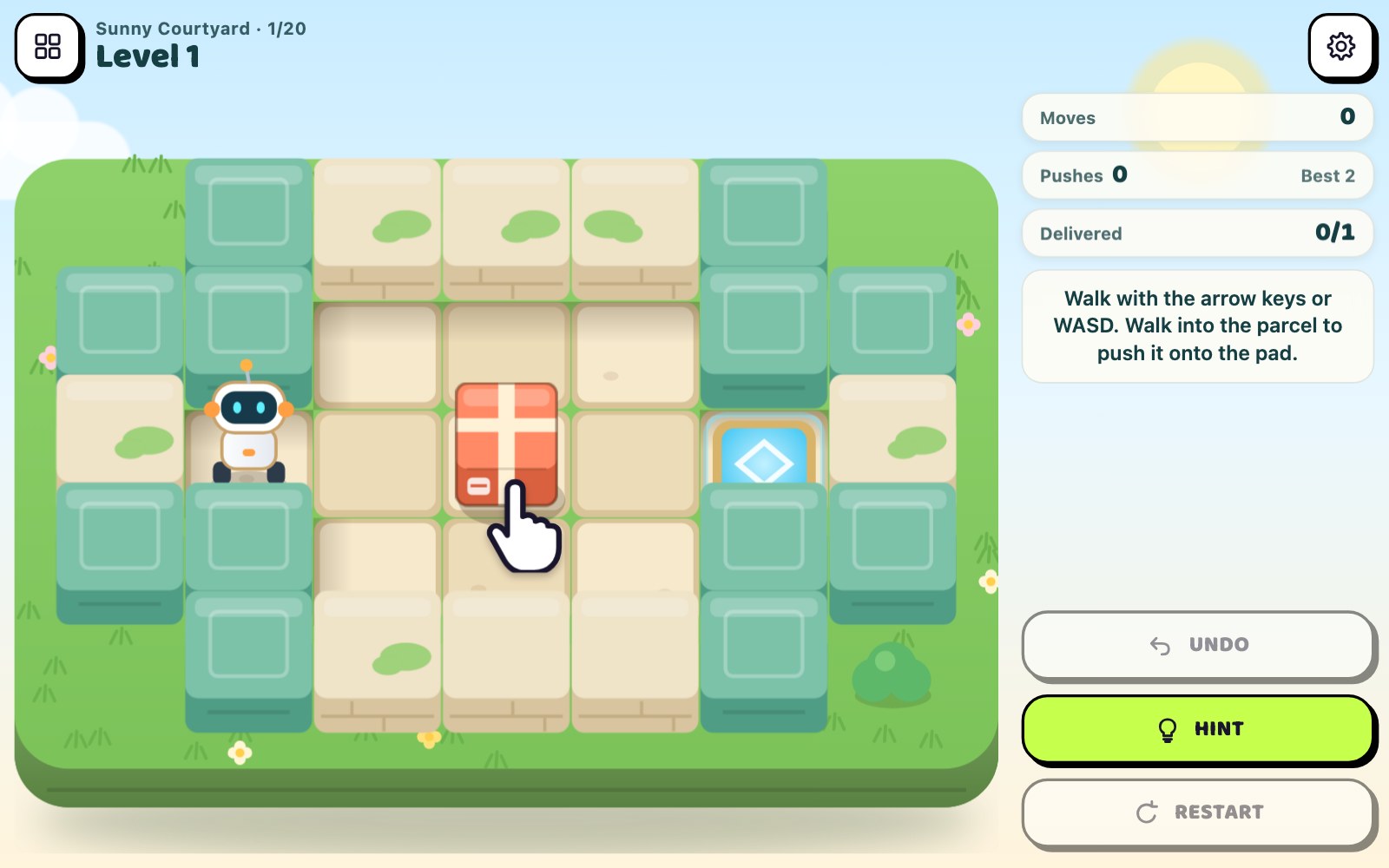
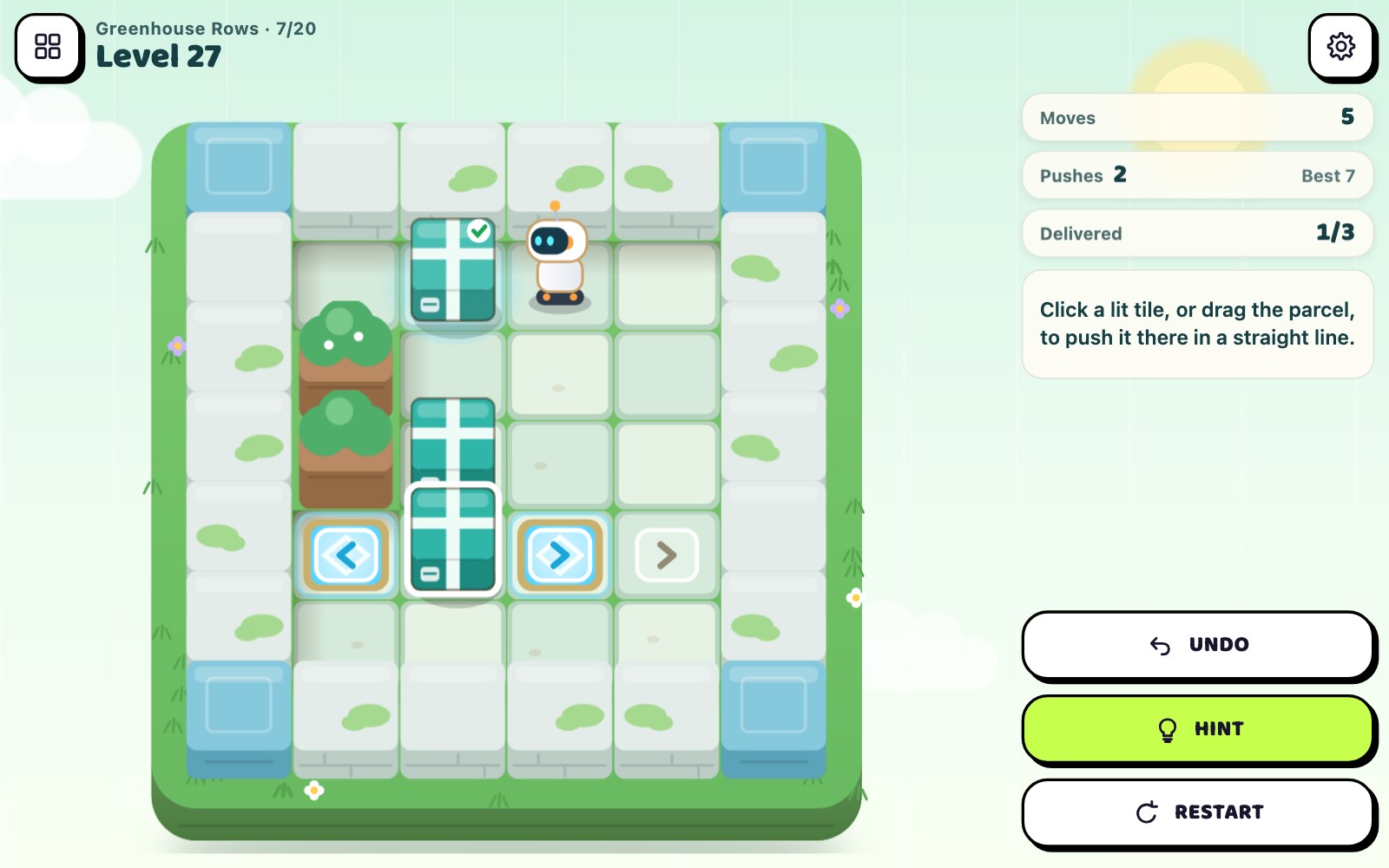
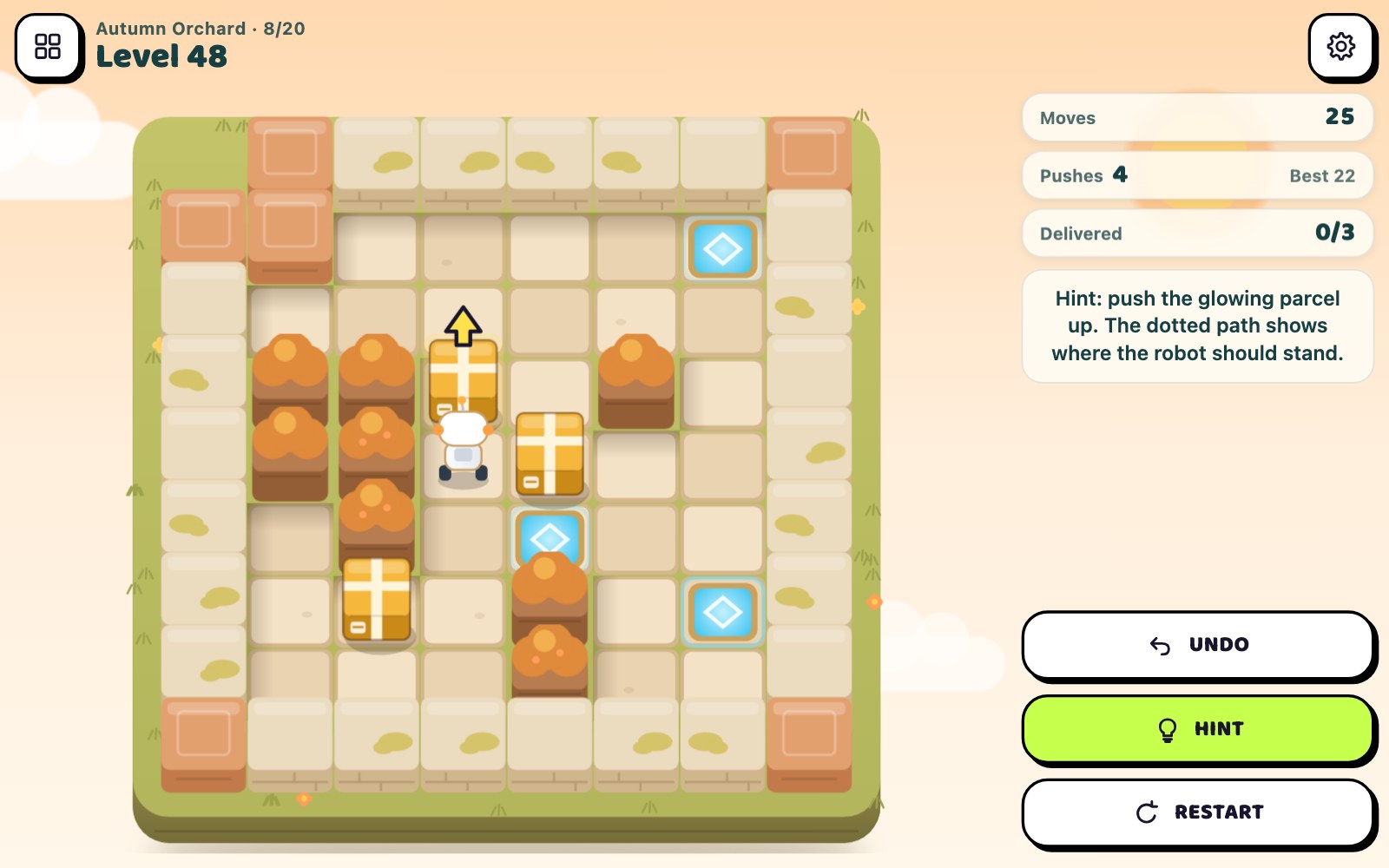
What is Parcel Pathways?
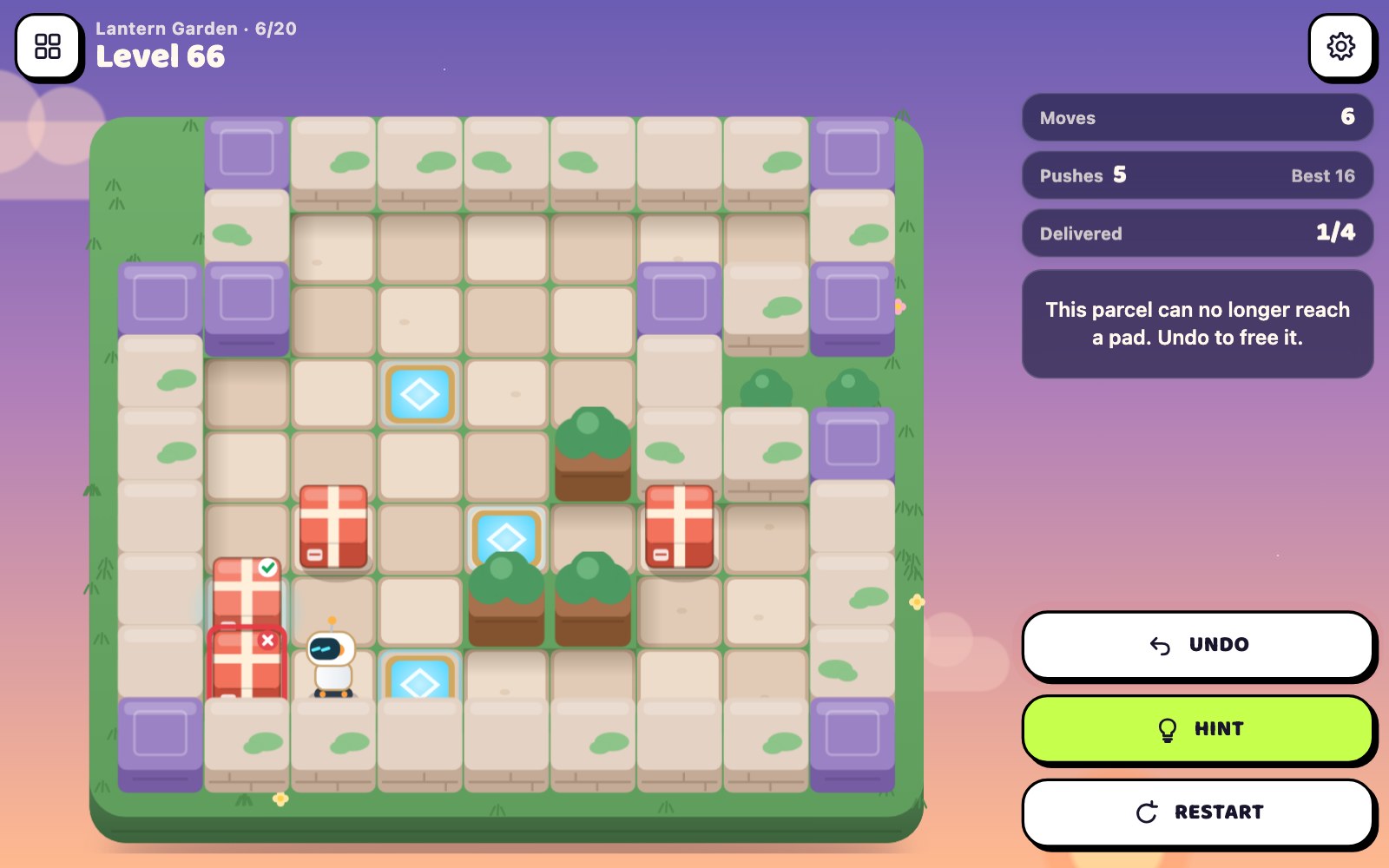
Parcel Pathways is a push-the-parcel logic puzzle game in your browser in which you guide a small courier robot around garden courtyards and push every parcel onto a glowing delivery pad. Parcels can only be pushed, one at a time and never pulled, so a parcel shoved into a corner without a pad stays there for good. The 100 levels grow from one parcel and 2 pushes to five parcels and up to 38 pushes, with no timer, unlimited Undo and a Hint that shows the next good push.
Key facts
- Genre
- Puzzle
- Players
- 1 (single player)
- Goal
- A parcel on every glowing pad
- Main rule
- Push one parcel at a time, never pull
- Levels
- 100 in 5 gardens, 1 to 5 parcels
- 3 stars
- Fewest possible pushes, no hint
- Session length
- Under 5 min
- Platform
- Web browser
- Devices
- Desktop, tablet, mobile
- Price
- Free
- Sign-up
- Not required
How do you play Parcel Pathways?
Move the robot one tile at a time with the arrow keys, WASD or a swipe, or tap a tile to walk there. Walking into a parcel pushes it one tile if the space behind it is free; you cannot pull a parcel or push two at once. Tap a parcel to light the tiles it can slide to in a straight line, then tap one; to turn it, walk around it yourself. Put a parcel on every pad to finish the level. A parcel that can no longer reach a pad gets a red mark: Undo takes back your last push. Later levels add parcels and hedges.
Tips & strategy
- Never push a parcel into a corner unless that corner is a pad: the robot can never get behind it again.
- A parcel pushed against a wall can only slide along that wall, so only do it when a pad lies on that wall.
- Two parcels side by side along a wall can no longer be moved; push one away before the other arrives.
- Fill the pads deepest in a dead-end first, so the parcels delivered early do not block the way for the rest.
- The Best number beside your push count is the proven minimum; tap a parcel to see how far it slides before you push.
What are the controls in Parcel Pathways?
| ACTION | INPUT |
|---|---|
| Step one tile | Arrow keys / WASD |
| Step one tile | Swipe on the board |
| Walk to a tile | Tap the tile |
| Walk to a tile | Click the tile |
| Push a parcel along a line | Tap the parcel, then a lit tile |
| Push a parcel along a line | Click parcel, then lit tile, or drag |
| Undo the last push | Z / U / Backspace / Undo button |
| Show the next good push | H / Hint button |
| Restart the level | R / Restart button |
| Open the level map | L / Levels button |
Plays with keyboard, mouse, and touch. Fullscreen works in desktop and mobile browsers.
Parcel Pathways FAQ
Can the robot pull a parcel in Parcel Pathways?
No. The robot only pushes, one parcel at a time, by walking into it from the opposite side, and only when the tile behind the parcel is free. That is why a parcel pushed into a corner without a pad can never be moved again: the robot cannot stand behind it. Undo takes such a push back.
What does the red mark on a parcel mean in Parcel Pathways?
It means that parcel can no longer reach any pad, for example because it sits in a corner or is pressed against a wall with no pad along it, or it is wedged against another parcel. The robot looks sad and the Undo button pulses. Undo returns the board to just before your last push.
How few pushes earn 3 stars in Parcel Pathways?
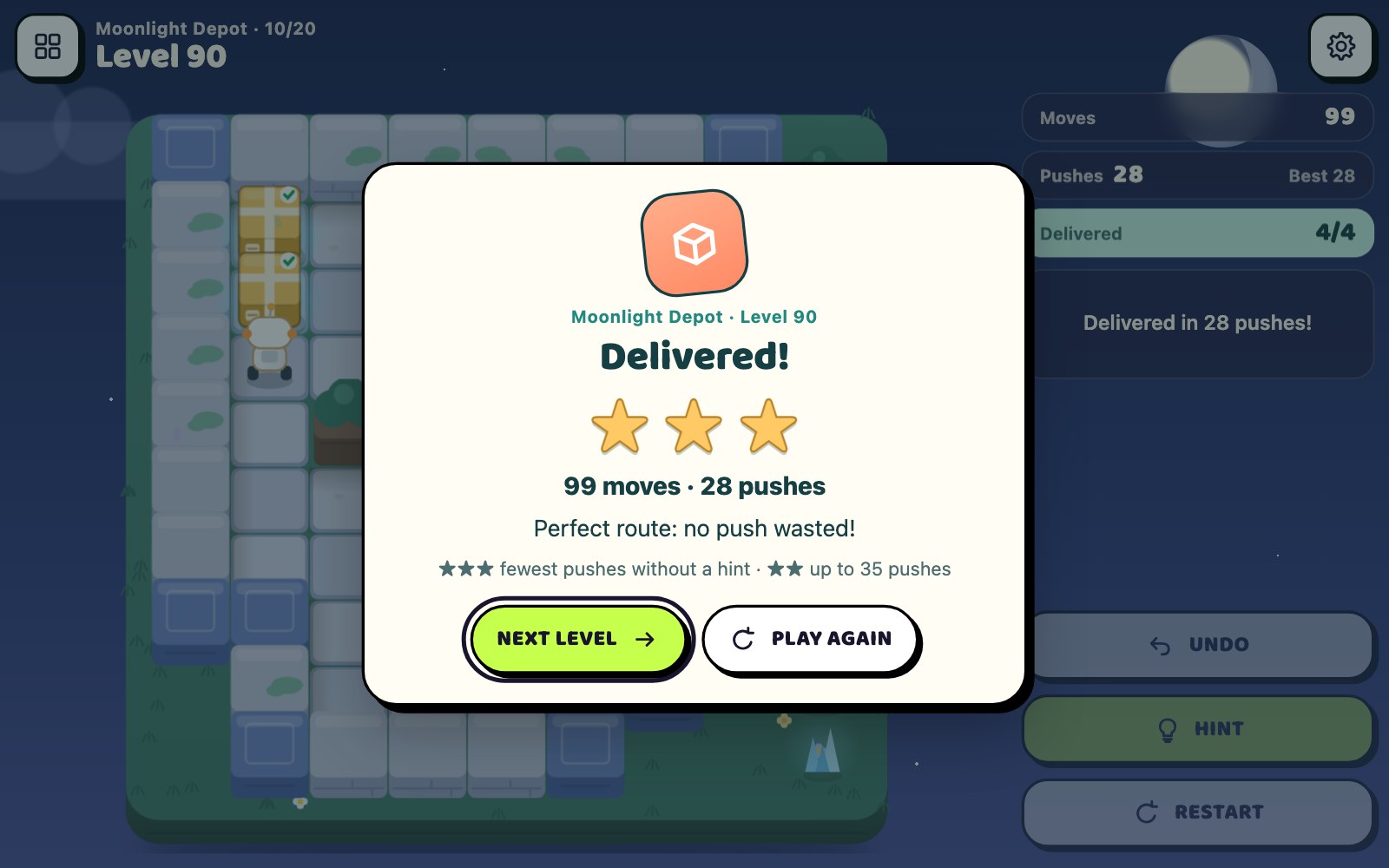
Exactly the fewest pushes possible, without using Hint. That number is shown as Best next to your push count, and a full search of the level proved it. Up to a quarter more pushes, and at least 2 more, still gives 2 stars; any other delivery gives 1 star.
How does Undo work in Parcel Pathways?
Undo takes back your last push together with the walking that led to it, so you never step back tile by tile. A parcel pushed along a line with one tap comes back with a single Undo. Undo is unlimited and costs no stars, because only the pushes of your final delivery count.
How does Hint choose a push in Parcel Pathways?
Hint lights up one parcel, draws the robot's path to it and shows an arrow for the push. You still walk there and make the push yourself. On the level's stored best route the answer is instant; anywhere else the game searches the remaining moves. Using a hint caps that delivery at 2 stars.
Does Parcel Pathways move a parcel around corners for me?
No. Tapping or clicking a parcel lights only the tiles it can slide to in a straight line from a side the robot can reach, and the robot walks there and pushes. To change direction you must walk the robot around the parcel yourself, which is the heart of every puzzle. Arrow keys, WASD and swipes still move one tile at a time.
How many parcels are in the later Parcel Pathways levels?
The first 24 levels use one or two parcels, levels 25 to 64 use three, levels 65 to 91 use four, and the last nine levels switch between four and five. Courtyards grow from 7 by 5 tiles to 9 by 10 with hedges inside, and the fewest pushes needed rise from 2 to 38.
More games like this
 NEW
NEW NEW
NEW NEW
NEW NEW
NEW NEW
NEW