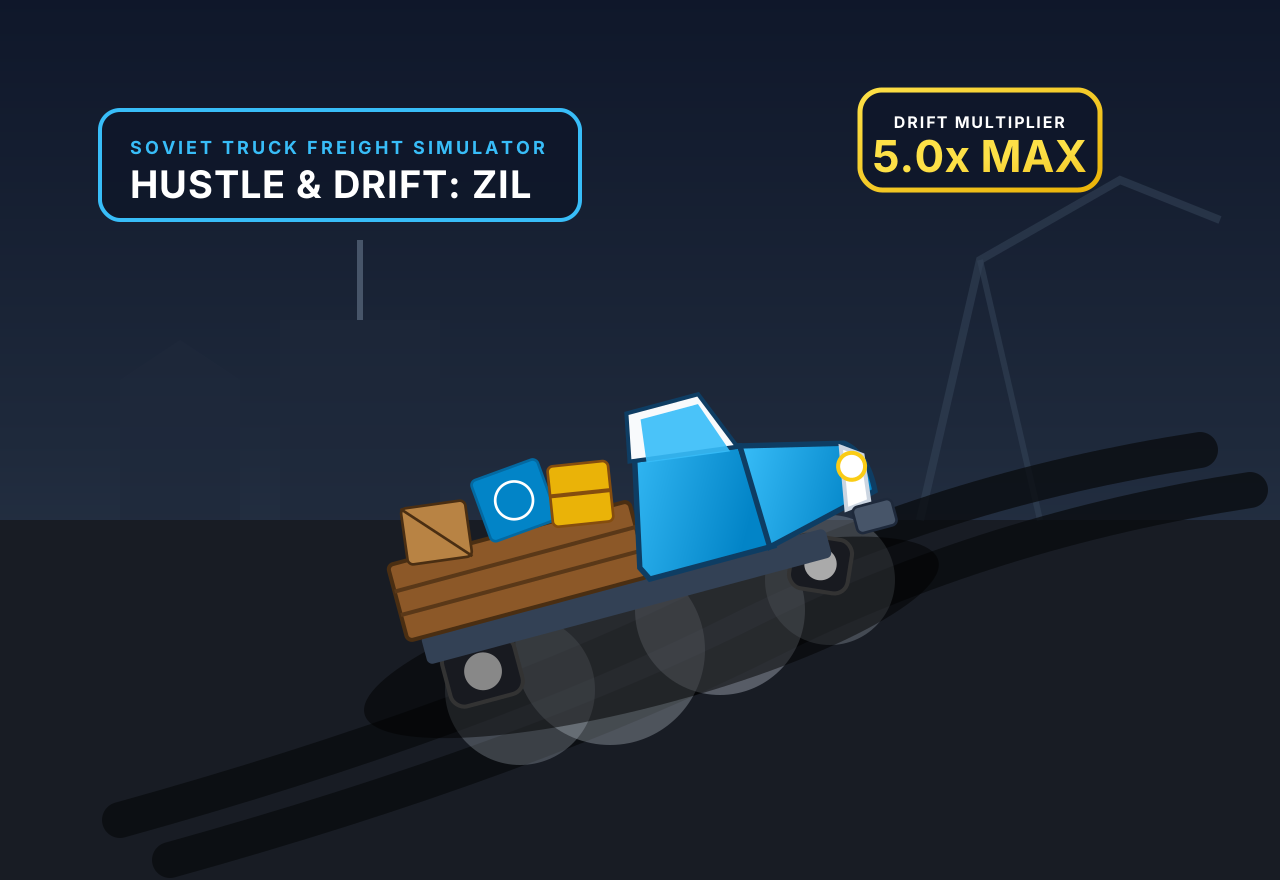
Preview
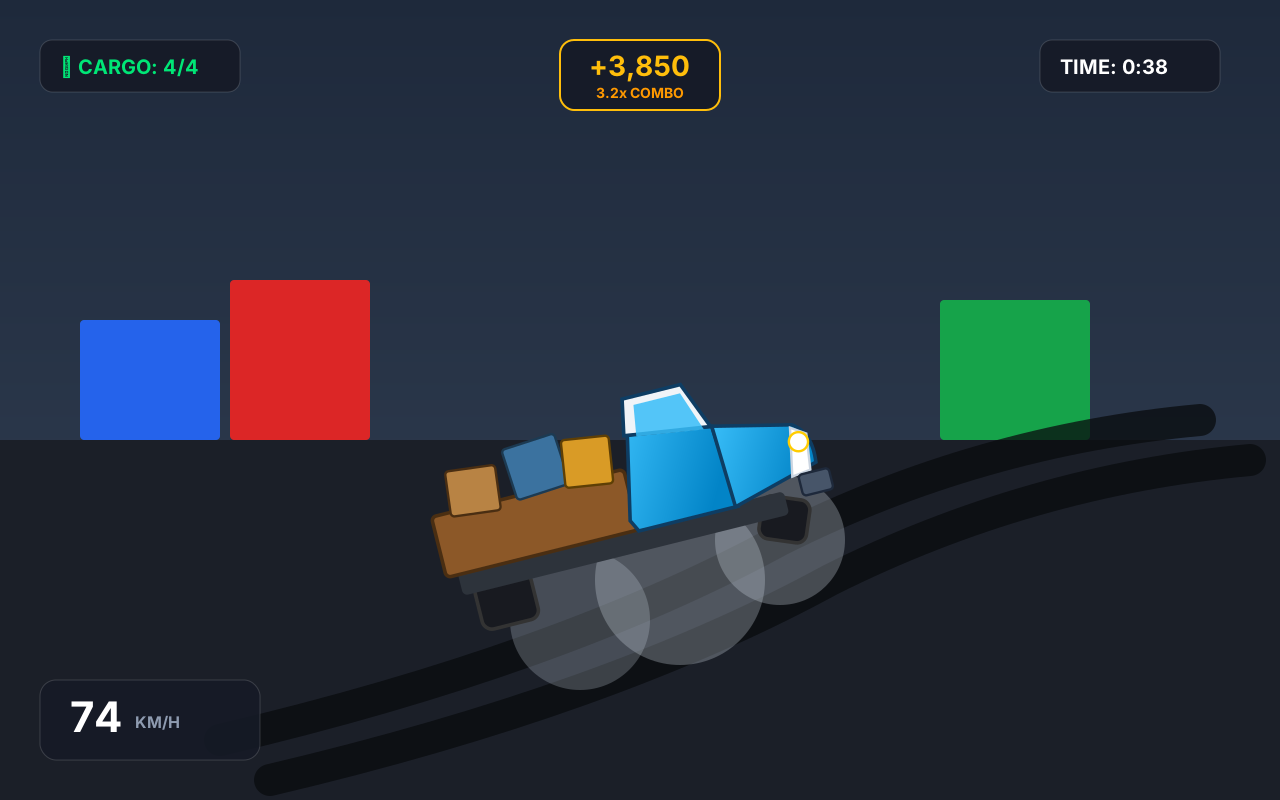
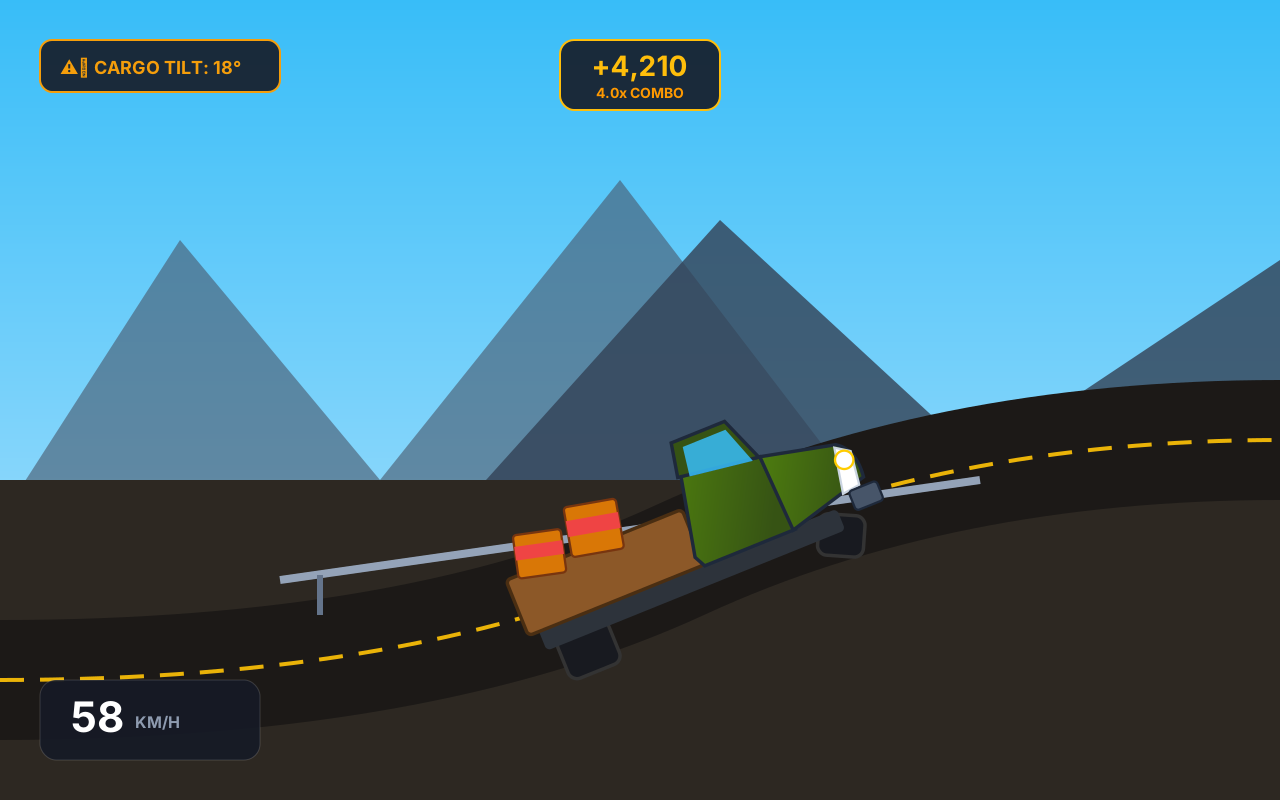
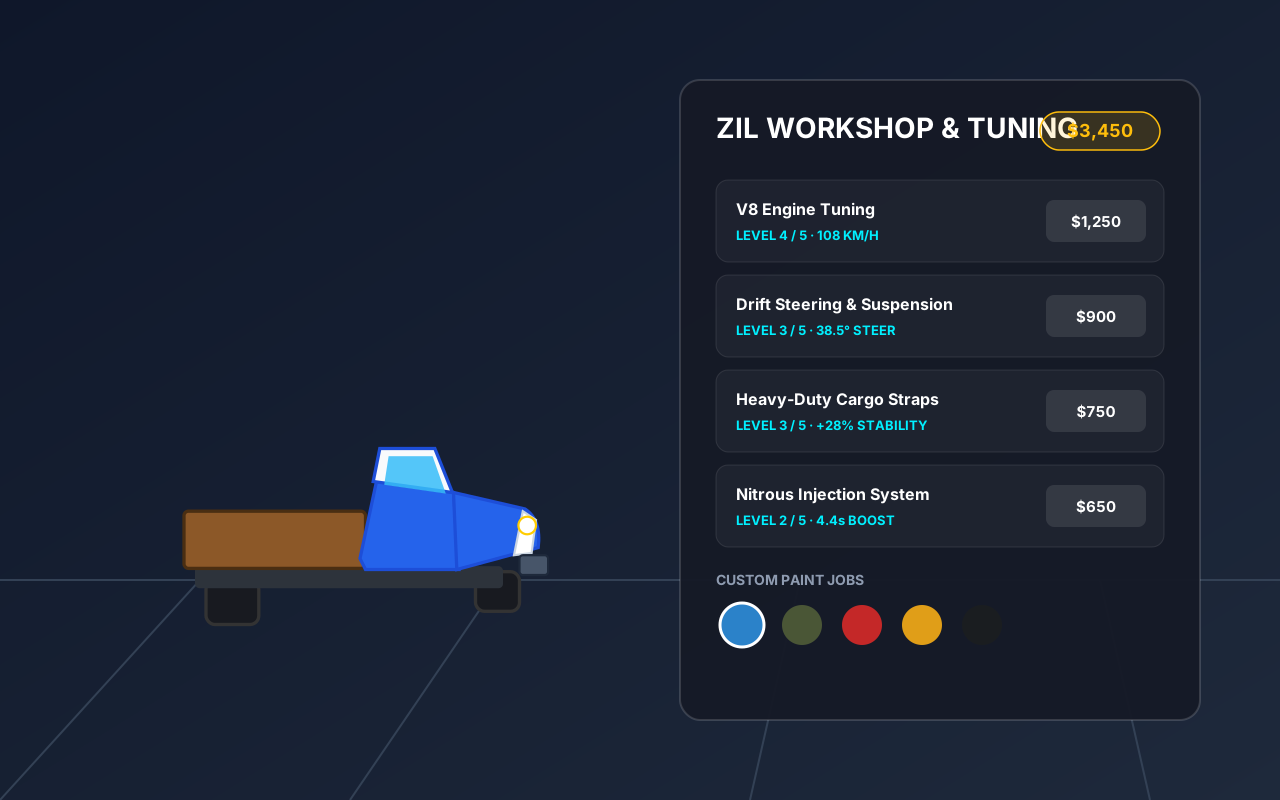
What is Hustle & Drift: ZIL Cargo?
Hustle & Drift: ZIL Cargo is a 3D arcade driving and drift delivery game where you pilot an iconic Soviet ZIL truck to haul freight across 10 challenging industrial and mountain stages. The game challenges you to balance high-risk, high-reward power sliding with cargo preservation: holding long drift angles stacks massive score multipliers, but sudden jerks and harsh collisions can tip your crates onto the asphalt. Complete delivery contracts within par time, upgrade your truck's engine, steering, cargo straps, and nitro in the workshop, and master the art of heavy truck drifting.
Key facts
- Genre
- Racing
- Players
- 1 (single player)
- Vehicle
- Soviet ZIL-130 medium-duty truck with dual rear wheels
- Contracts
- 10 unique stages across harbor, city, mountain, and gymkhana
- Cargo Physics
- Real-time tilt and centrifugal inertia with tipping threshold
- Tuning & Garage
- 4 performance upgrade paths and 5 classic paint liveries
- Session length
- 5–10 min
- Platform
- Web browser
- Devices
- Desktop, tablet, mobile
- Price
- Free
- Sign-up
- Not required
How do you play Hustle & Drift: ZIL Cargo?
Accelerate with W or Up Arrow and steer into turns with A/D or Left/Right. Tap Space or the Handbrake button to break the rear tires loose into a controlled drift; counter-steer smoothly into the slide to sustain high drift angles and multiply your drift score. Watch your flatbed cargo carefully: extreme lateral G-forces and wall impacts cause crates to rattle and fly off the truck! Reach the glowing drop-off bay before time runs out with as much cargo intact as possible to unlock the next delivery contract and earn cash for engine, handling, strap, and nitro tuning.
Tips & strategy
- Feather steering gently in drifts: counter-steering stabilizes the rear and keeps the drift multiplier climbing without harsh whipping.
- Invest your first delivery earnings into Heavy-Duty Cargo Straps in the garage to increase crate tilt tolerance by up to 48 percent.
- Tap the Handbrake briefly right before turning into a corner to initiate an instant powerslide without losing excessive forward momentum.
- Save your Nitro Boost for straightaways immediately following a long drift to launch the truck forward and recover lost speed quickly.
- Delivering with 100 percent of your cargo intact awards a massive cash bonus and guarantees a 3-star contract rating.
What are the controls in Hustle & Drift: ZIL Cargo?
| ACTION | INPUT |
|---|---|
| Accelerate / Gas | ↑ / W |
| Brake / Reverse | ↓ / S |
| Steer Left / Right | ← → / A D |
| Handbrake Drift | Space |
| Nitro Boost | Shift |
| Change Camera View | C |
| Quick Restart | R |
| Pause Game | P / Esc |
| Steer (Touch) | Left / Right touch buttons |
| Pedals & Drift (Touch) | Gas, Brake, Drift, Nitro buttons |
Plays with keyboard and touch. Fullscreen works in desktop and mobile browsers.
Hustle & Drift: ZIL Cargo FAQ
How does the drift scoring multiplier work in Hustle & Drift: ZIL Cargo?
The drift multiplier increases continuously from 1.0x up to 5.0x as you maintain a continuous slide above 12 km/h. Smoothly straightening out banks the combo points, but crashing hard into walls resets the multiplier back to 1.0x.
What causes the cargo crates to fall off the truck bed?
Cargo crates react to lateral G-forces and sudden collision shocks. When you corner too violently or crash, each crate tilts; if the tilt angle exceeds its stability limit for more than a third of a second, the crate flies out.
Can I play this game on mobile devices with touch controls?
Yes, full on-screen touch controls are built in. You have virtual steering buttons on the bottom left and dedicated Gas, Brake, Handbrake, and Nitro buttons on the bottom right, with responsive multi-touch support.
What upgrades are available in the ZIL workshop garage?
You can upgrade V8 Engine Tuning for speed and torque, Drift Steering and Suspension for wider steer angles, Heavy-Duty Cargo Straps for load stability, and Nitrous Injection for longer boost bursts, plus unlock 5 paint liveries.
How do I switch the camera view while driving?
Press the C key on your keyboard or tap the camera icon button in the top HUD. You can cycle between third-person chase camera, close hood camera, and high isometric aerial camera view at any time during gameplay.
More games like this
 NEW
NEW NEW
NEW NEW
NEW NEW
NEW NEW
NEW