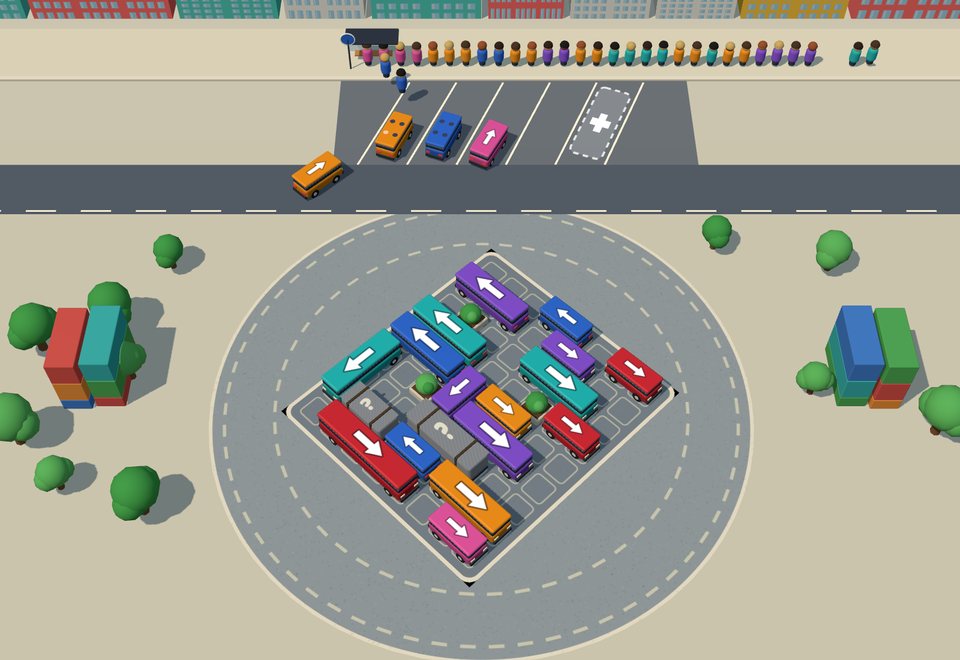
Preview
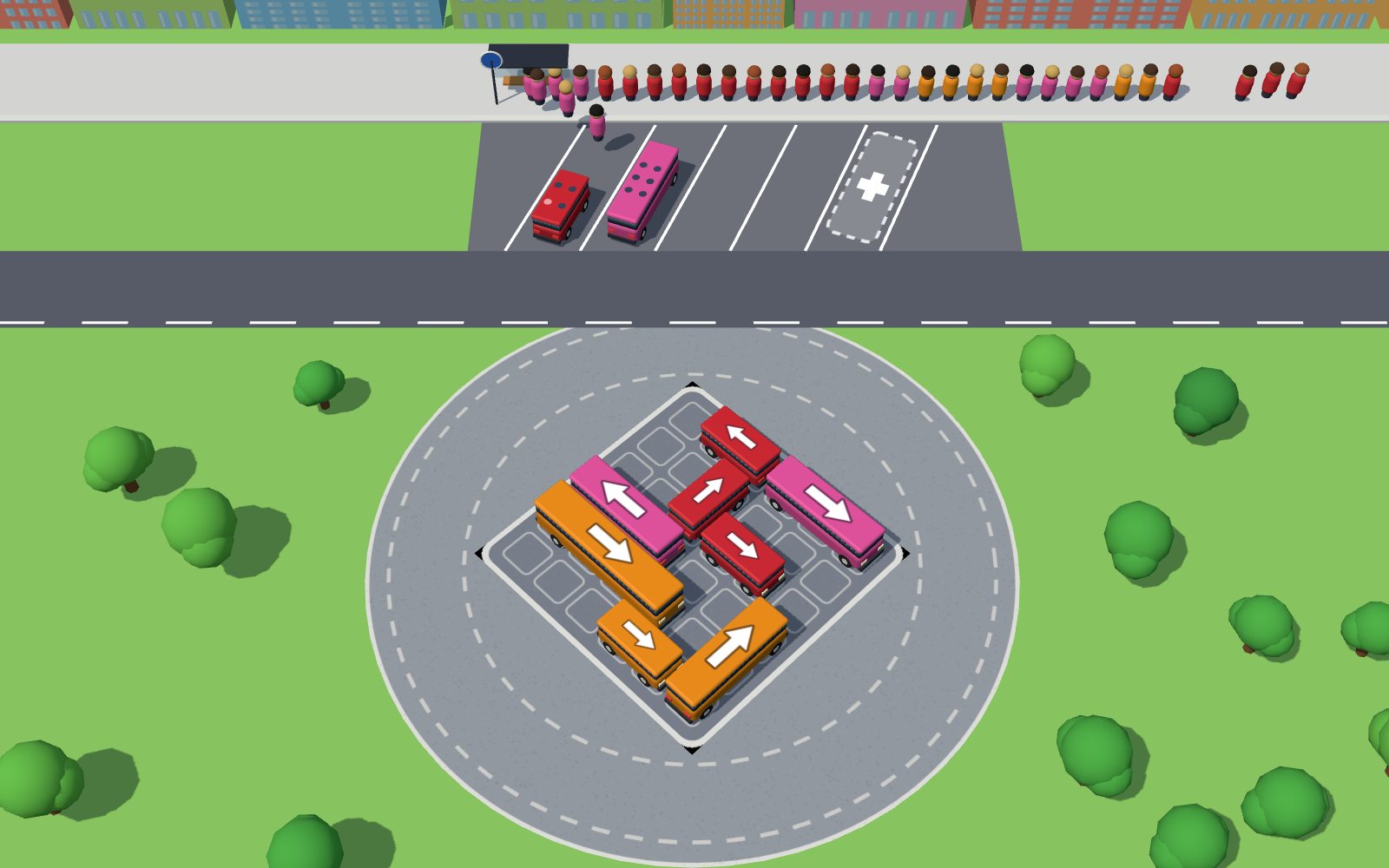
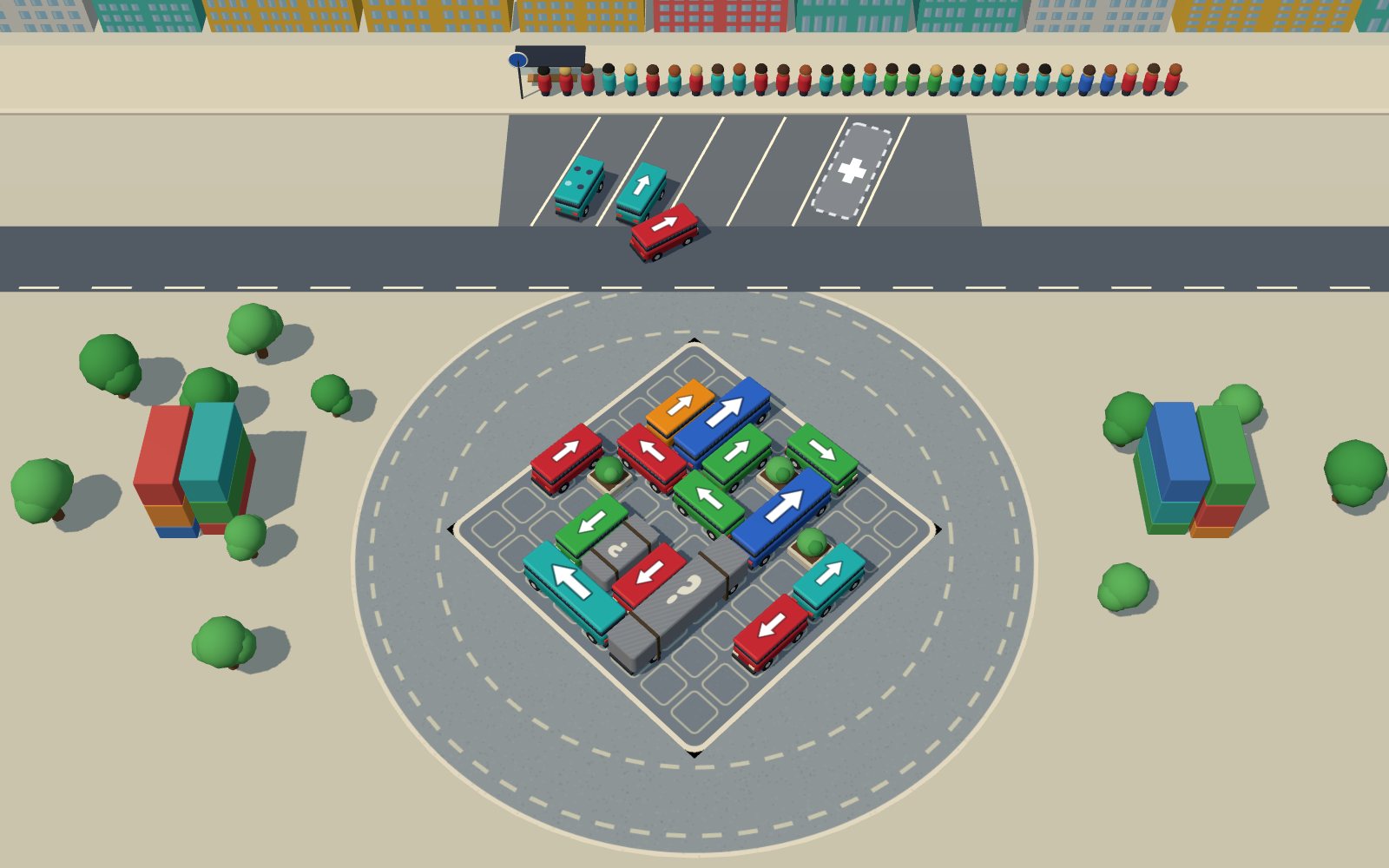
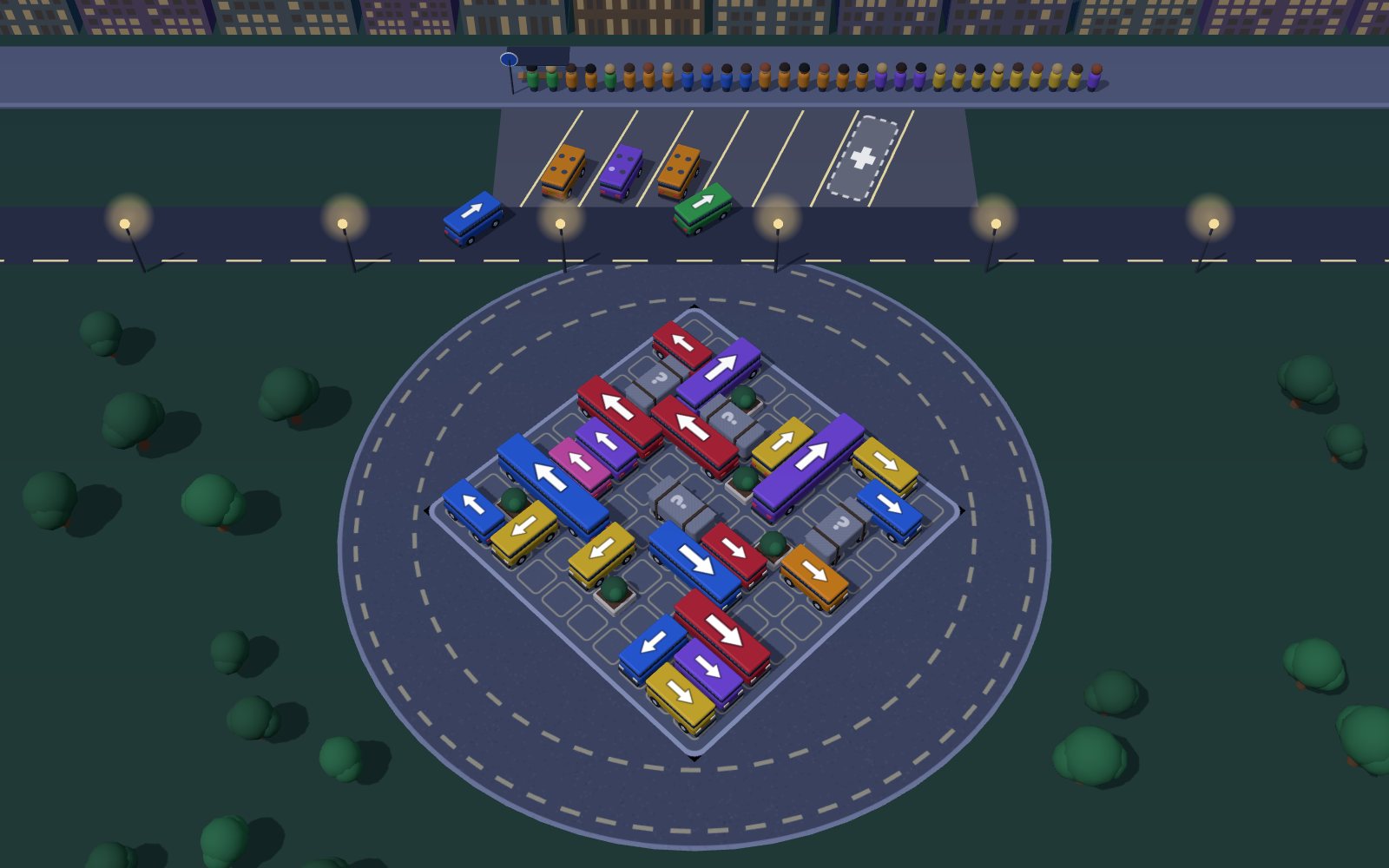
What is Busy Bay?
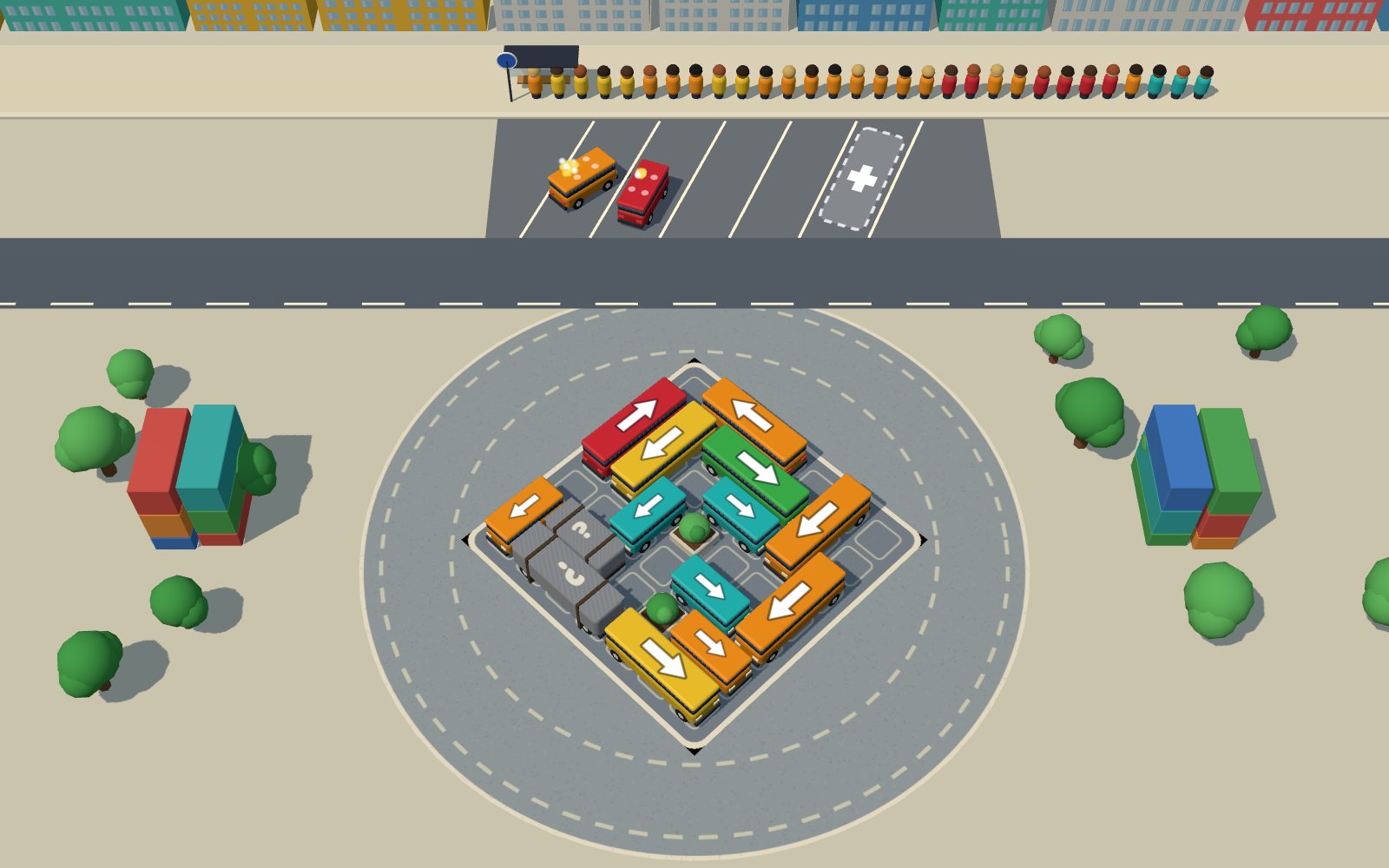
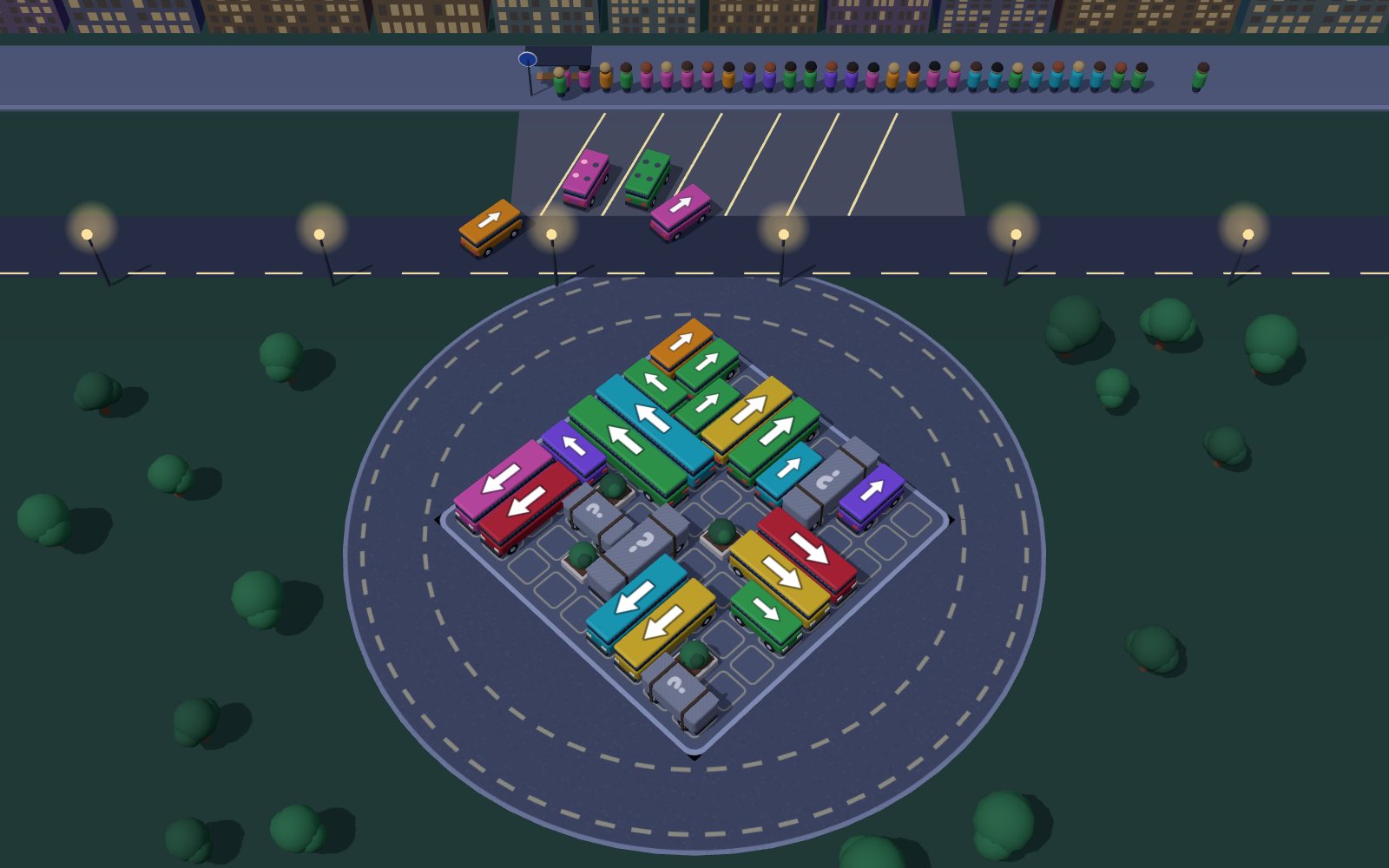
Busy Bay is a 3D parking puzzle for the browser in which you tap buses out of a crowded lot so a line of colour-coded riders can board. Each bus drives the way its roof arrow points, bumps anything in its path and takes the first free bay at the stop; riders board only a bus of their own colour, and a full bus leaves. Fill every bay with buses nobody at the front wants and the level ends. With 30 levels, three bus sizes (4, 6 and 10 seats) and one tap per move, it suits kids and puzzle fans on a phone or a laptop.
Key facts
- Genre
- Puzzle
- Players
- 1 (single player)
- Levels
- 30 in 3 areas, opened in order
- When a level ends
- All bays full and the front rider fits no bus
- Bus sizes
- Mini 4 seats, van 6, city bus 10
- Stars
- 3 with no helper, 2 with one, 1 with more
- Session length
- 5–10 min
- Platform
- Web browser
- Devices
- Desktop, tablet, mobile
- Price
- Free
- Sign-up
- Not required
How do you play Busy Bay?
Tap or click a bus to send it the way its white roof arrow points. If the road ahead is clear it drives out of the lot, round the plaza and into the first free bay at the stop; if a bus or planter is in the way it bumps it and backs into place, at no cost. Riders board from the front of the line, each only into a bus of their colour, and a bus leaves once every seat is taken. You win when the whole line is aboard. The level ends when every bay holds a bus and the front rider fits none of them.
Tips & strategy
- Before each tap, read the next eight riders and free the buses of those colours first; a bus nobody wants yet only blocks a bay.
- With one bay left, send only a bus the front rider wants: any other colour fills the last bay and ends the level.
- Start with the bus at the end of a row whose arrow points out of the lot: it leaves at once and often frees the bus behind it.
- Uncover grey tarps early (from level 12): a hidden colour is hard to plan around when the bays are nearly full.
- Line Up pays off when a parked bus waits for riders a few places back among the next 16; it costs a star, so use it to save a level.
- Keep Extra Bay for last: if you run out of bays, the Out of bays card opens it once so you can keep going.
What are the controls in Busy Bay?
| ACTION | INPUT |
|---|---|
| Send a bus out | Tap the bus |
| Send a bus out | Click the bus |
| Pick a bus | Arrow keys / WASD |
| Drive the picked bus | Space / Enter |
| Repaint, Line Up, Extra Bay | 1 / 2 / 3 |
| Restart the level | R |
| Pause | Esc / P |
Plays with keyboard, mouse, and touch. Fullscreen works in desktop and mobile browsers.
Busy Bay FAQ
What happens when you tap a blocked bus in Busy Bay?
Nothing is lost. The bus rolls forward until it touches whatever stands in front of its arrow, then backs into its spot. Bumps are counted on the results card but never cost a star, so clear the bus in front first and tap again.
How do riders pick a bus in Busy Bay?
The rider at the front of the line boards the first parked bus of their own colour that still has a free seat, and the next rider follows the same rule. Boarding stops as soon as the front rider has no bus of their colour, even if people further back could board.
When do you lose a level in Busy Bay?
When every bay at the stop holds a bus and the rider at the front of the line fits none of them. Levels 1 to 23 have 4 bays and levels 24 to 30 have 5. From level 4 the Out of bays card can open Extra Bay once per level so you keep playing.
How many seats does each bus have in Busy Bay?
Three sizes park in the lot: a mini bus with 4 seats that covers 2 parking cells, a shuttle van with 6 seats over 3 cells and a city bus with 10 seats over 4 cells. Seats show as dots on the roof and fill in the rider's colour; the bus leaves when the last one is taken.
What do the three helpers do in Busy Bay?
Repaint swaps colours between buses of the same size in the lot so the ones that can leave now carry the colours the line needs first. Line Up moves riders among the next 16 who fit a parked bus to the front. Extra Bay opens one more bay. Each works once per level from level 4.
Do helpers or bumps cost stars in Busy Bay?
Helpers do, bumps do not. Clear a level with no helper for 3 stars; one helper gives 2 and two or three give 1. Bumps and time are not counted. Your best result for each level is kept, so you can replay an earlier level later to raise it.
What are the grey buses with a question mark in Busy Bay?
They are covered buses, which appear from level 12. A tarp hides the colour until nothing stands in front of the bus's arrow, then it flies off and the paint shows. Clear the row ahead of a tarp early so the colour is known before the bays get tight.
Can you undo a move in Busy Bay?
No. A bus that leaves the lot goes straight to a bay and cannot come back. If a level goes wrong, restart it with R or the restart button: retries are unlimited, and the next level opens as soon as you clear the current one.
More games like this
 NEW
NEW NEW
NEW NEW
NEW NEW
NEW NEW
NEW