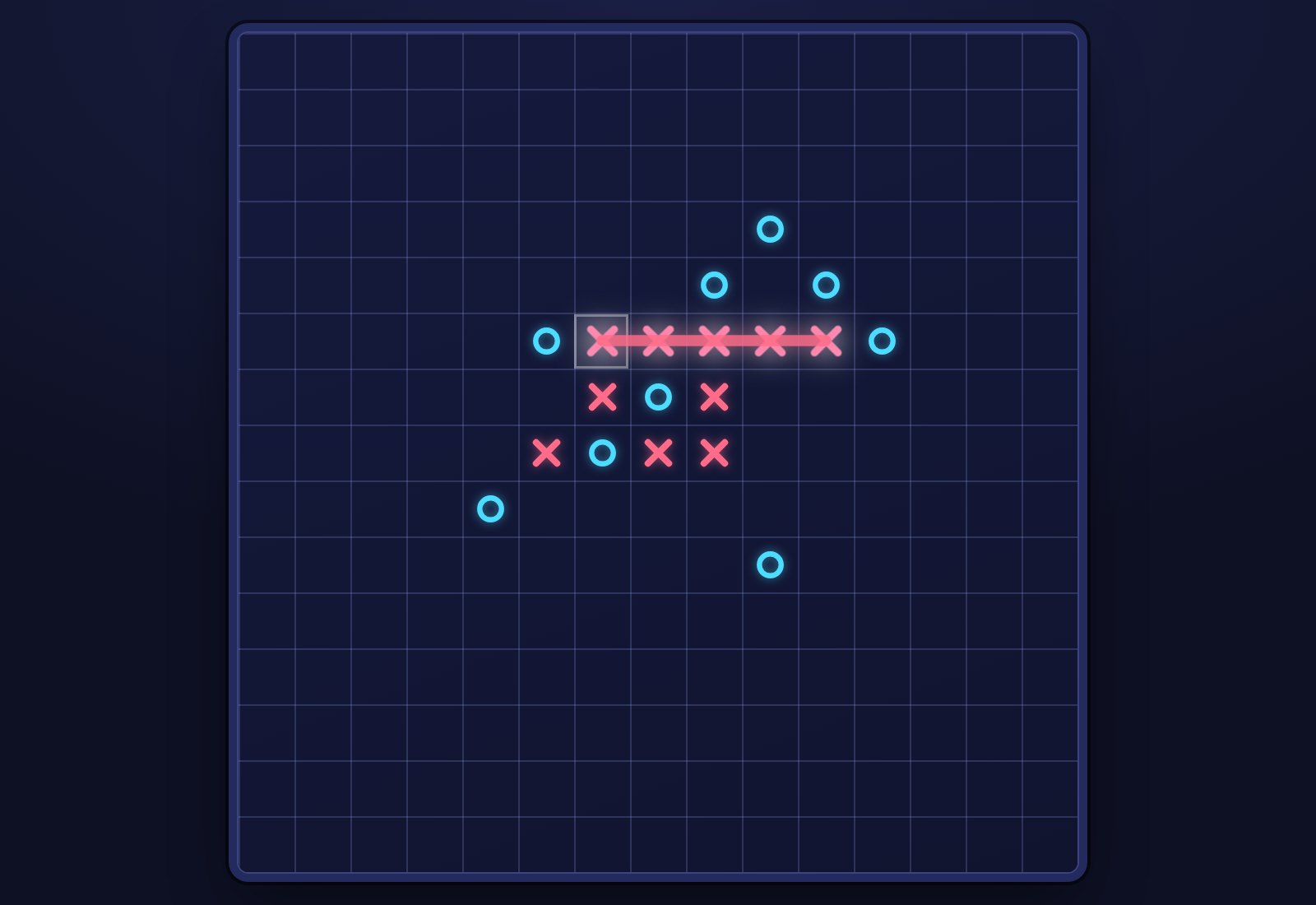
Preview
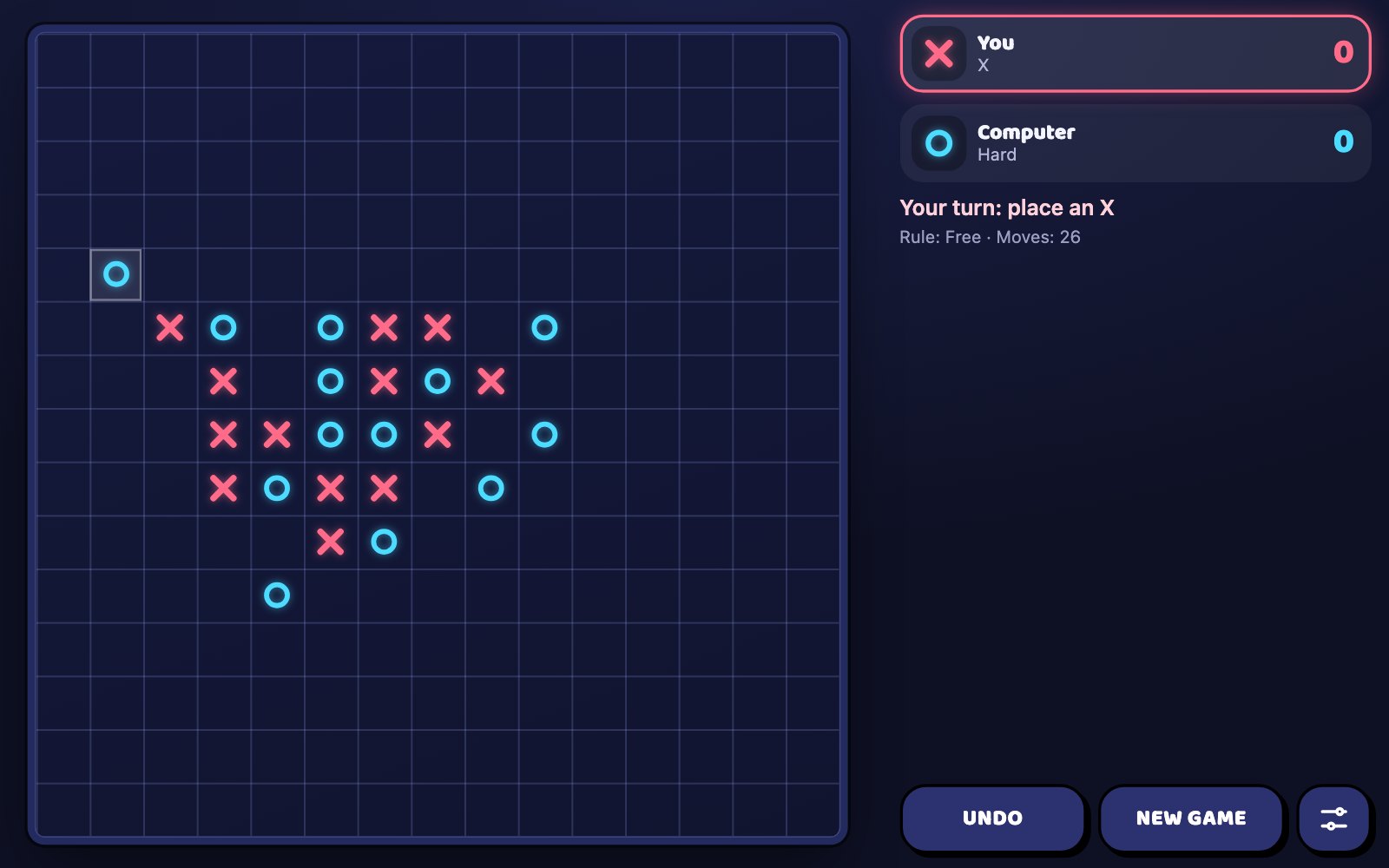
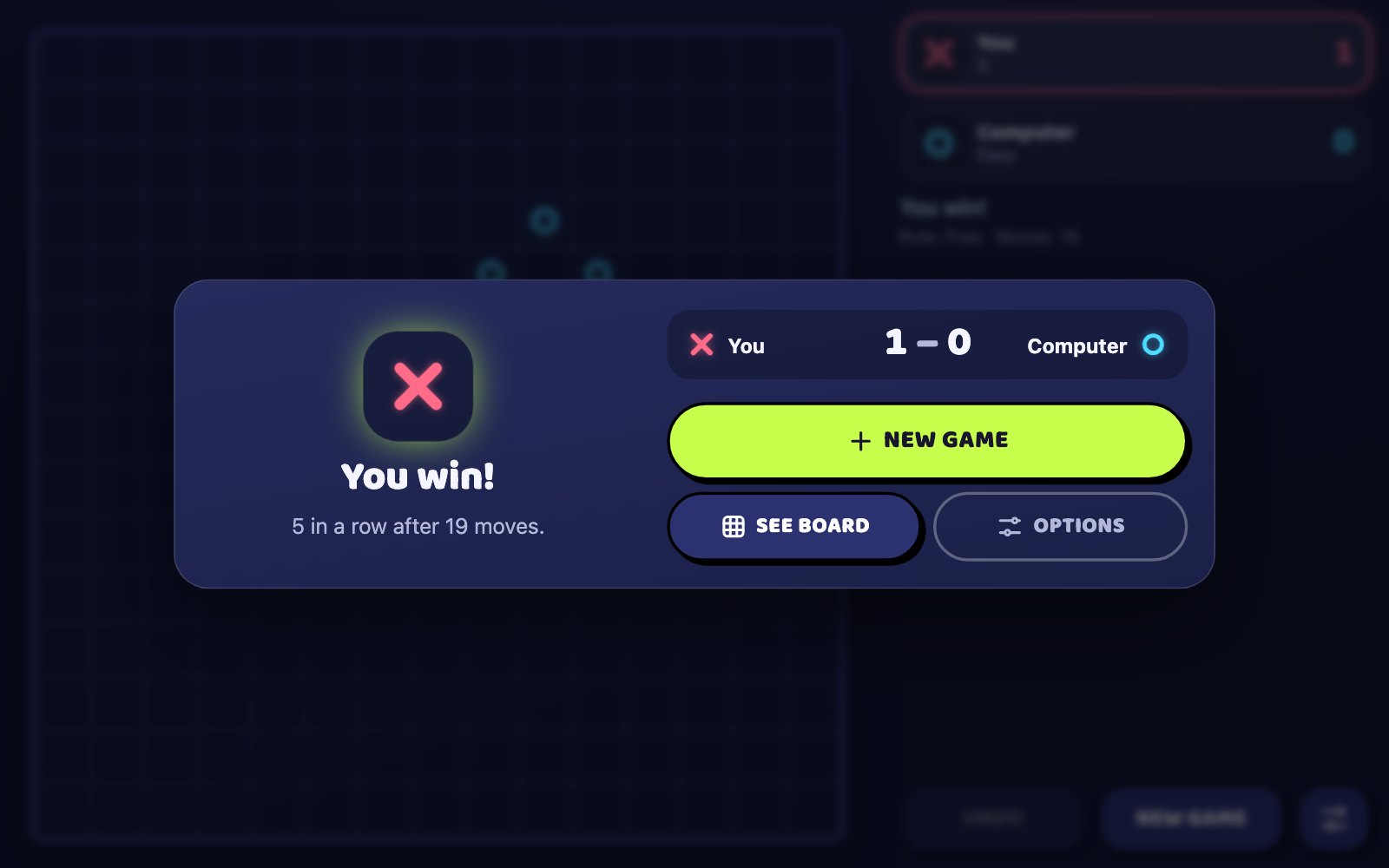
What is Gomoku?
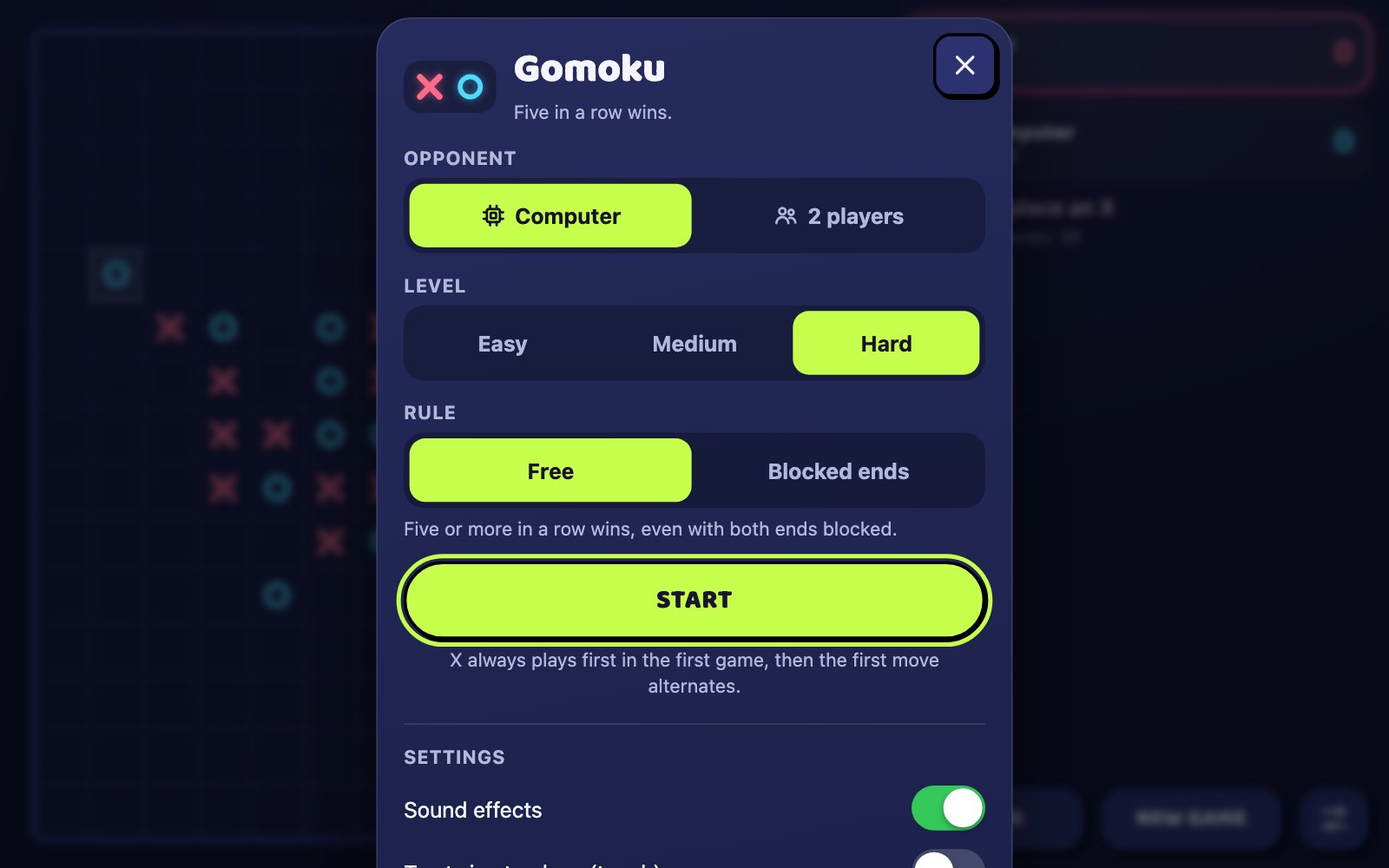
Gomoku is a browser board game in which you and an opponent take turns placing X and O on a 15×15 grid, and the first to get five or more in a row, column or diagonal wins. Play the computer at Easy, Medium or Hard, or share one phone or keyboard with a second player, and switch on the Vietnamese blocked ends rule, where a five capped by the opponent at both ends does not count. Undo takes back a move, and the score against each opponent is saved between visits.
Key facts
- Genre
- Strategy
- Players
- 2 on one device
- Goal
- Five or more in a row, column or diagonal
- Board
- 15 × 15, 225 squares
- Computer levels
- Easy, Medium and Hard
- Rule options
- Free or blocked ends
- Session length
- 5–10 min
- Platform
- Web browser
- Devices
- Desktop, tablet, mobile
- Price
- Free
- Sign-up
- Not required
How do you play Gomoku?
Tap or click an empty square to place your mark. X and O take turns, and the first to line up five or more in a row, column or diagonal wins; if all 225 squares fill first, the game is a draw. Against the computer you are always X and the computer answers as O. With two players, pass the device after each move. On a touch screen the first tap shows your mark with row and column guides, and a second tap on the same square places it. Undo takes back the last move, or your move and the computer's reply.
Tips & strategy
- Block any three with both ends open right away: left alone it becomes an open four, which no single move can stop.
- Aim for a crossing move that makes a four and an open three at once: the opponent can block only one of them.
- Play near the centre early: a line squeezed against the board edge has room to grow in only one direction.
- Under blocked ends, keep one end of your line free: a five with O marks on both ends does not win.
- Medium and Hard always block a four, so use fours to steer the computer's reply while you set up a second line.
What are the controls in Gomoku?
| ACTION | INPUT |
|---|---|
| Place your mark | Click a square |
| Preview, then place your mark | Tap a square twice |
| Move between squares | Arrow keys |
| Place your mark | Enter / Space |
| Undo | U / Backspace |
| New game | N |
Plays with keyboard, mouse, and touch. Fullscreen works in desktop and mobile browsers.
Gomoku FAQ
What does the blocked ends rule change in Gomoku?
A line of five no longer wins if the opponent's marks sit on both of its ends. With one end open, or with the board edge at one end, the five still counts, and six or more in a row wins as usual. Pick Free or Blocked ends in Options before a game; the computer plays by the same rule.
How do the three computer levels in Gomoku differ?
Easy always completes its own five, but it misses blocking yours about three times in ten and picks among its three best squares at random. Medium always blocks a four and treats an open three as a threat. Hard also searches for forced wins built from consecutive fours and looks four moves ahead before it plays.
Who moves first in Gomoku?
X moves first in the first game after you choose new options. After that, every New game hands the first move to the other side, so against the computer you and it take turns opening. Restarting from the page toolbar replays the current game with the same side moving first.
Does six in a row win in Gomoku?
Yes. Any unbroken line of five or more marks wins, whether it runs along a row, a column or a diagonal, under both the Free and the Blocked ends rule. The winning line lights up across every mark in it, so a six shows as one long glowing stroke.
How does Undo work against the computer in Gomoku?
Undo takes back your last move together with the computer's reply, so it is your turn again on the earlier position. If you press it while the computer is still thinking, only your move is removed. With two players Undo removes one move at a time, and it is not available once a game is won or drawn.
Why does Gomoku ask me to tap a square twice?
On a touch screen the 225 squares are small, so the first tap only previews your mark and draws guides along its row and column. Tap the same square again to place it, or tap another square to move the preview. You can switch this off in Options with the Tap twice to place setting.
Can a game of Gomoku end in a draw?
Only when all 225 squares are filled and nobody has lined up five. The game then shows It's a draw, neither side's win count goes up, and New game starts the next game with the other side moving first.
More games like this
 NEW
NEW NEW
NEW NEW
NEW NEW
NEW NEW
NEW