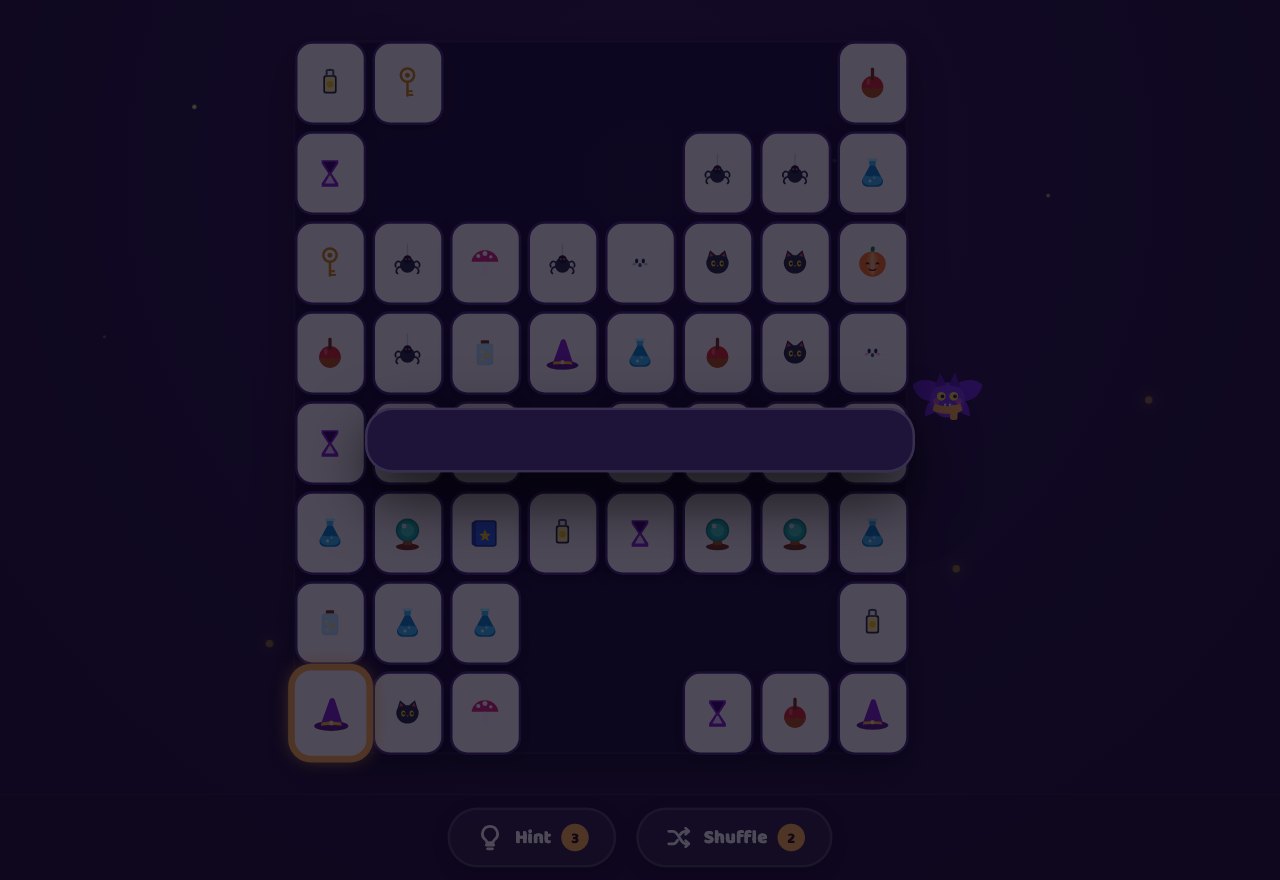
Preview
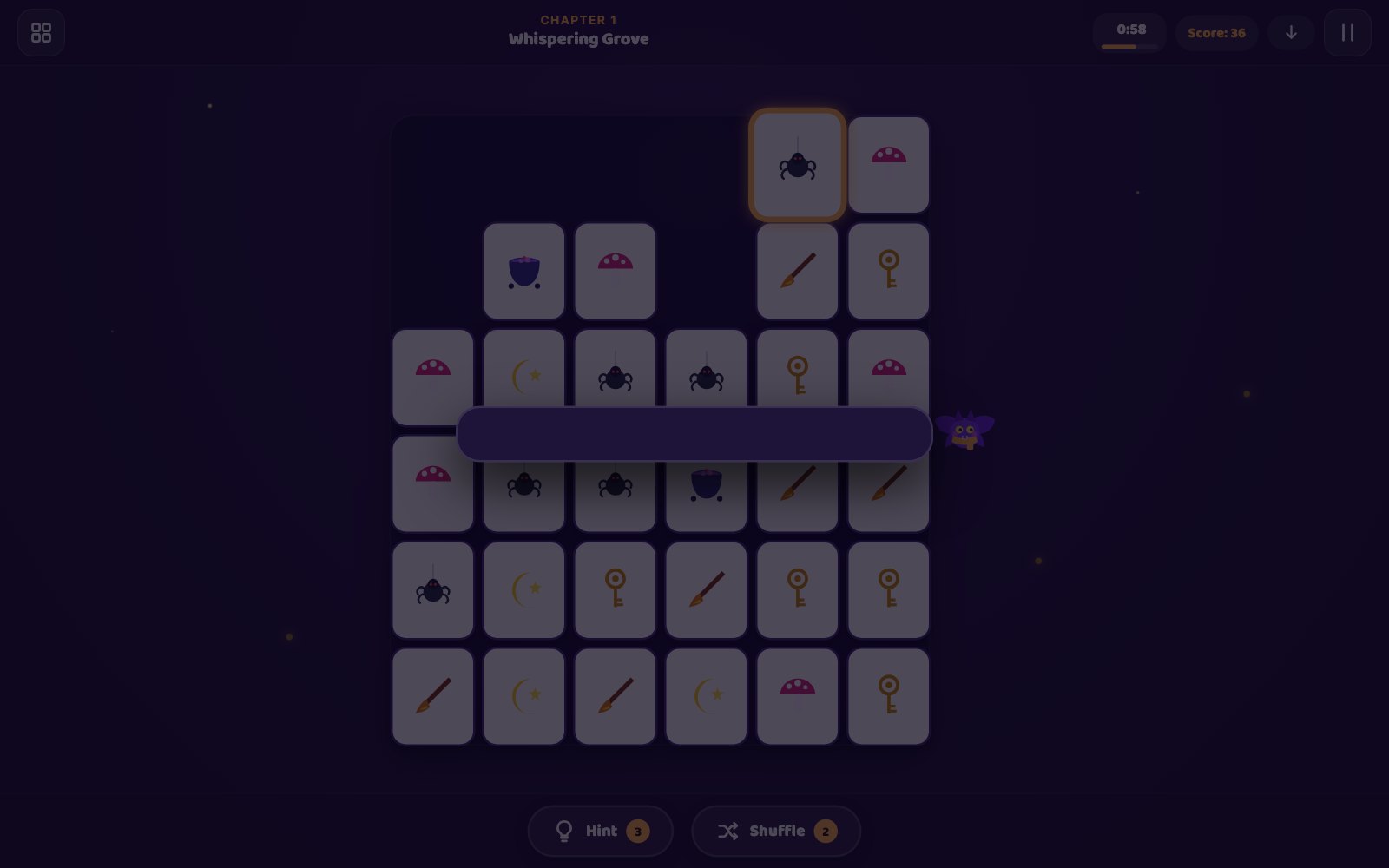
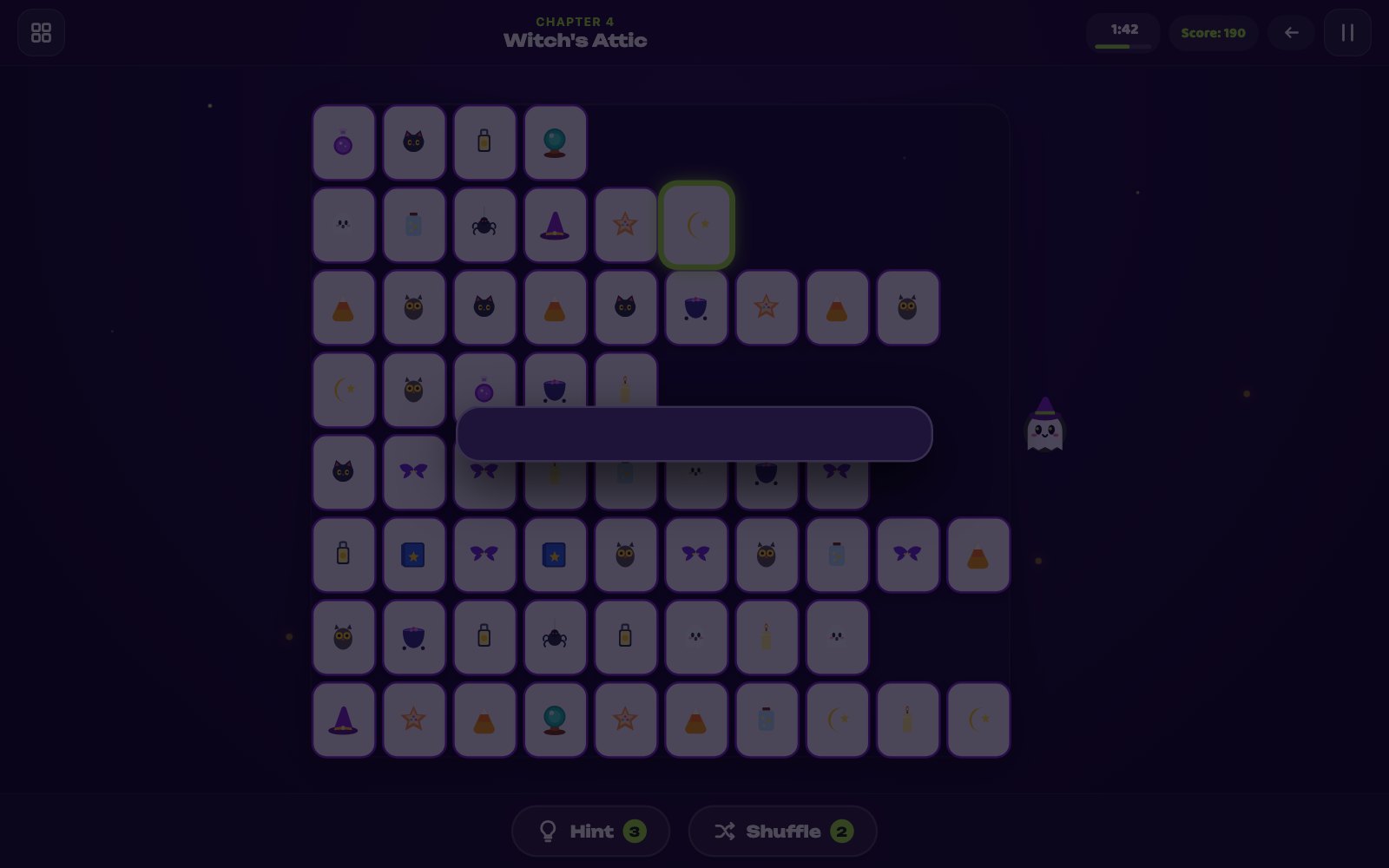
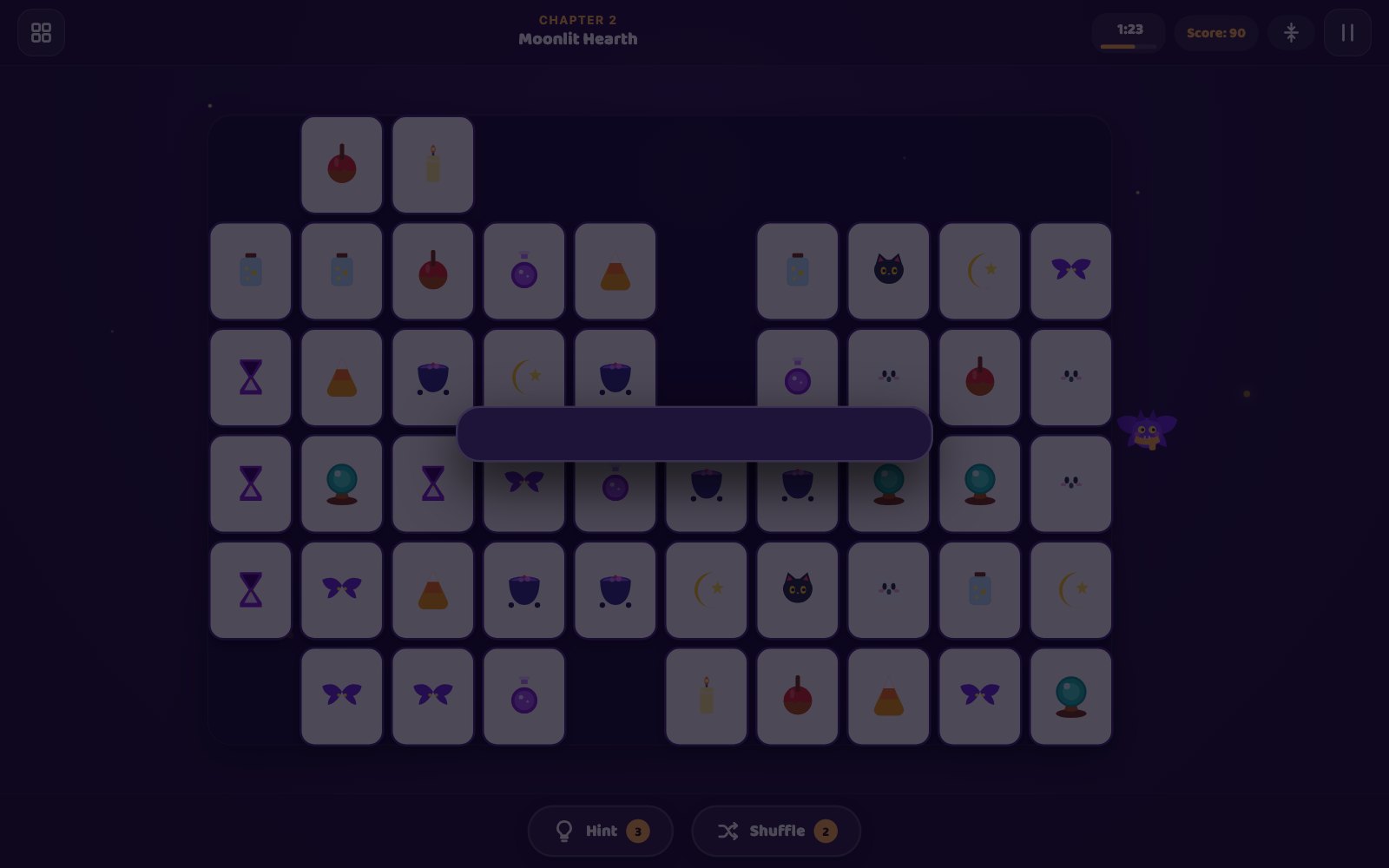
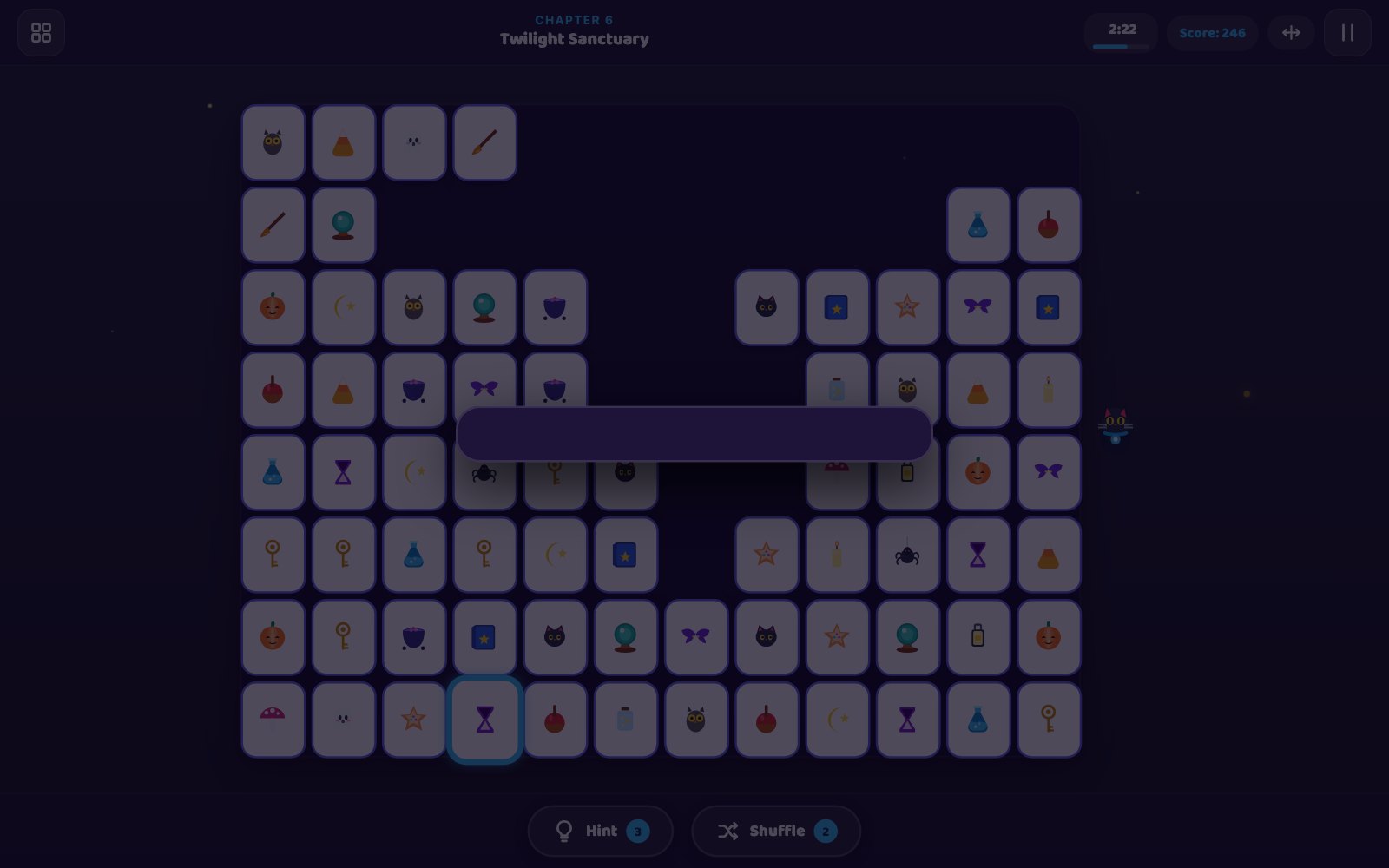
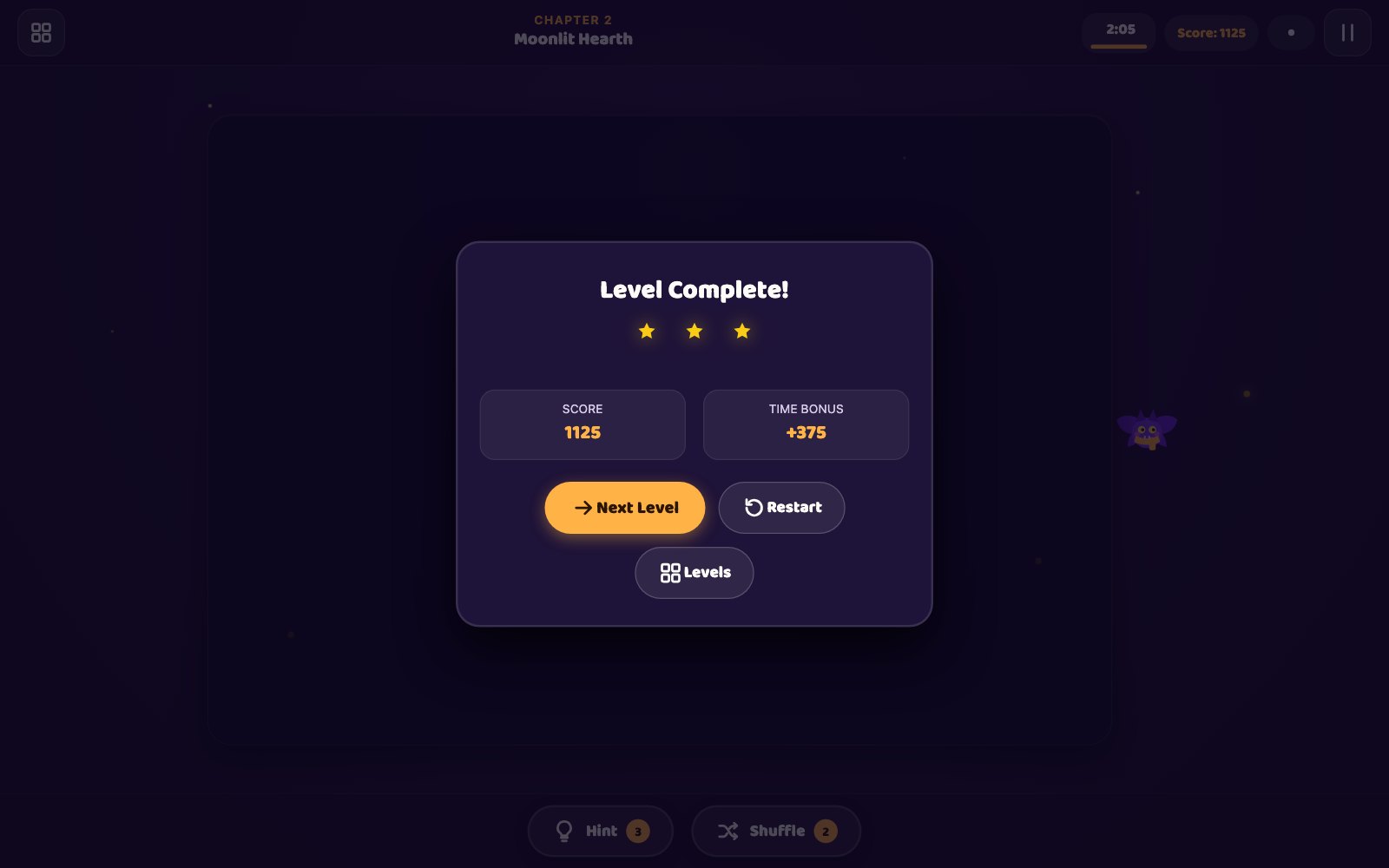
What is Twilight Link?
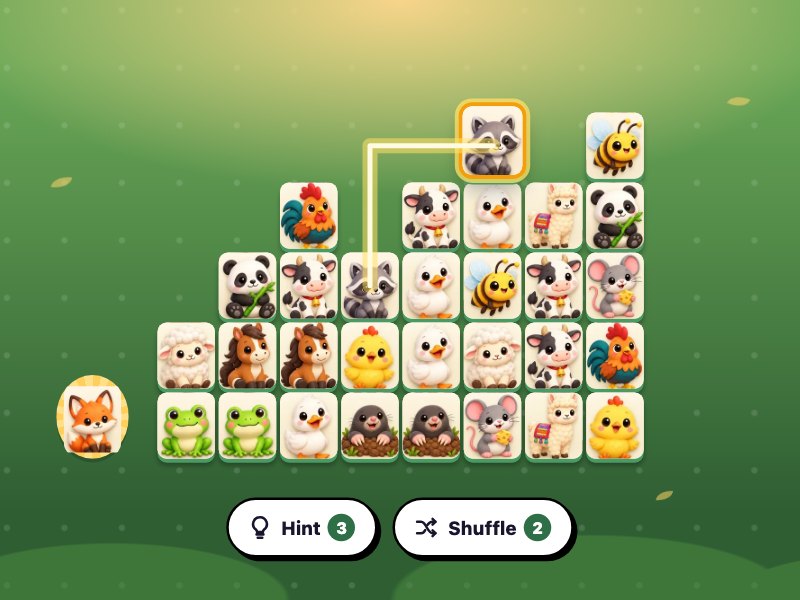
Twilight Link is a cozy tile-connecting puzzle game in your browser where you tap two matching magical charms and connect them with a line of no more than two right-angle turns before the clock runs out. Across 30 handcrafted boards in 6 enchanted chapters, grid sizes scale from 36 to 96 tiles while 9 unique gravity patterns shift remaining tiles after every cleared pair. Rounds span 90 to 240 seconds with free auto-reshuffling when no valid moves remain, perfect for players seeking relaxing yet stimulating visual puzzles.
Key facts
- Genre
- Puzzle
- Players
- 1 (single player)
- Levels
- 30, in 6 chapters of 5
- Round Clock
- 90 to 240 seconds
- Stuck Rescue
- Free automatic reshuffle
- 3 Stars Target
- Finish with 40% clock left
- Session length
- Under 5 min
- Platform
- Web browser
- Devices
- Desktop, tablet, mobile
- Price
- Free
- Sign-up
- Not required
How do you play Twilight Link?
Select a magical tile, then its matching twin. The pair clears when an open path of at most two turns connects them through empty spaces or the outer border. Clear the board before time expires to win. Matching pairs within 4 seconds builds a combo bonus worth up to 28 points, while each remaining second adds 3 points. Arrows by the score indicate how remaining tiles slide after each match. Use 3 hints and 2 manual shuffles per board, or rely on free automatic reshuffles if no pairs remain.
Tips & strategy
- Pairs along the same outer perimeter always connect around the border lane.
- Maintain your combo streak within 4 seconds to maximize your final score.
- Check slide direction before clearing tiles to avoid breaking upper lines.
- Save manual shuffles for emergencies as zero-move states reshuffle for free.
- Clear the level with at least 40% time remaining to earn 3 full stars.
What are the controls in Twilight Link?
| ACTION | INPUT |
|---|---|
| Pick a tile | Tap a tile, then its twin |
| Pick a tile | Click a tile, then its twin |
| Move cursor / select | Arrow keys, then Enter or Space |
| Hint / shuffle | H / S keys or buttons below |
| Restart board | R key or Restart in pause menu |
| Pause | P or Esc, or pause button |
Plays with keyboard, mouse, and touch. Fullscreen works in desktop and mobile browsers.
Twilight Link FAQ
How do lines connect tiles in Twilight Link?
A connection line between two identical tiles can make at most two 90-degree turns (three straight segments). The path must only travel through empty cells or along the outer perimeter border surrounding the grid. If a third bend would be required, the move is rejected.
What happens when no valid pairs remain on the board in Twilight Link?
Whenever the board reaches a state with zero valid linkable pairs, Twilight Link immediately performs a free automatic reshuffle. The remaining tiles spin and rearrange in place until at least one viable connection is created, preventing unfair soft-locks without penalizing your score.
How does tile gravity work in Twilight Link?
From Chapter 1 Level 2 onwards, levels introduce dynamic gravity indicated by the arrow icon in the HUD. When a pair is matched and removed, empty spaces are compacted as remaining tiles slide down, up, sideways, or toward the center axes, continuously transforming the board configuration.
How is the 3-star rating determined in Twilight Link?
Star ratings evaluate your speed: clearing the board with 40% or more of the initial level timer remaining awards 3 stars. Finishing with between 15% and 39% time left awards 2 stars, and successfully clearing the board with less than 15% time awards 1 star.
Can Twilight Link be played with a physical keyboard?
Yes. You can use the Arrow keys or WASD to navigate cursor focus across the board, Space or Enter to select and match tiles, H for Hint, S for Shuffle, R for Restart, and P or Escape to pause the game.
More games like this