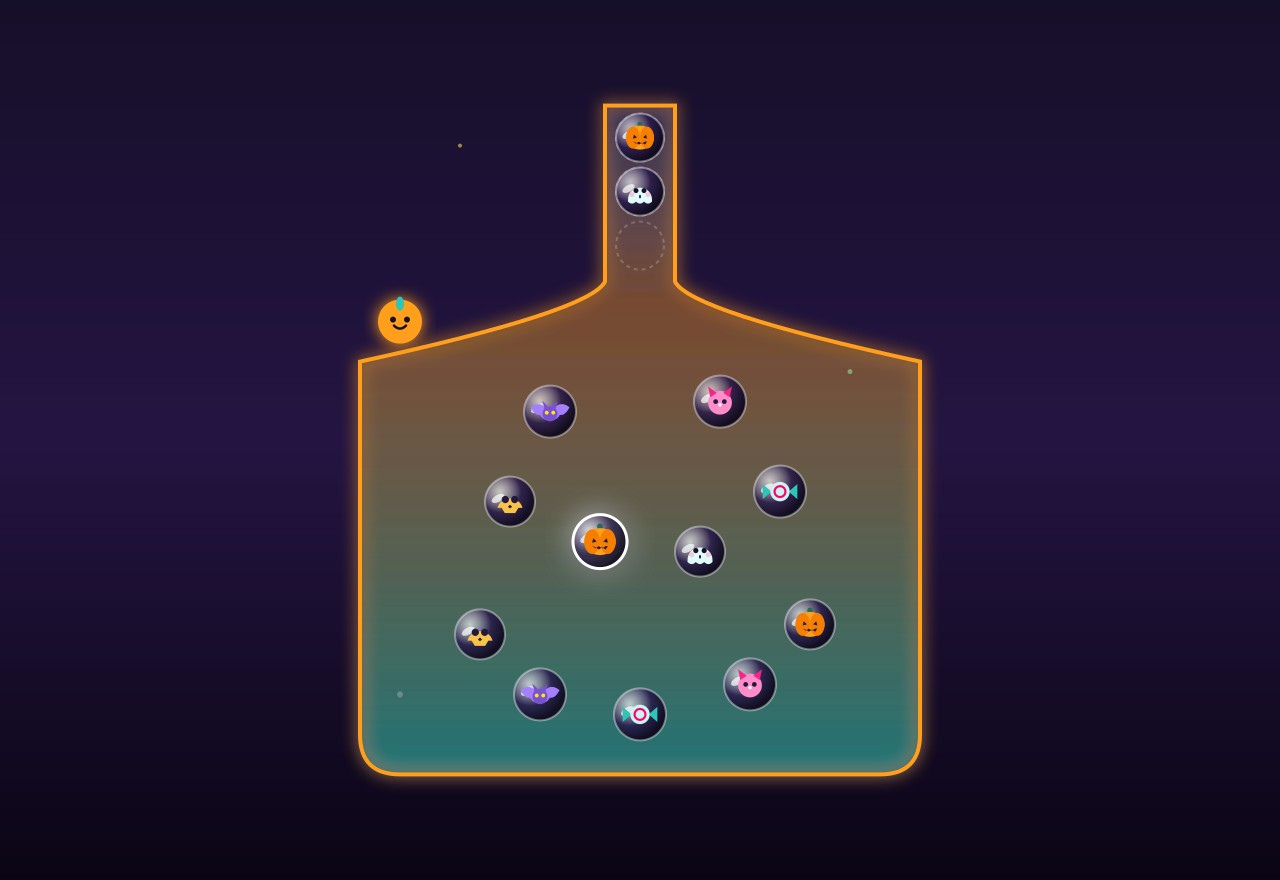
Preview
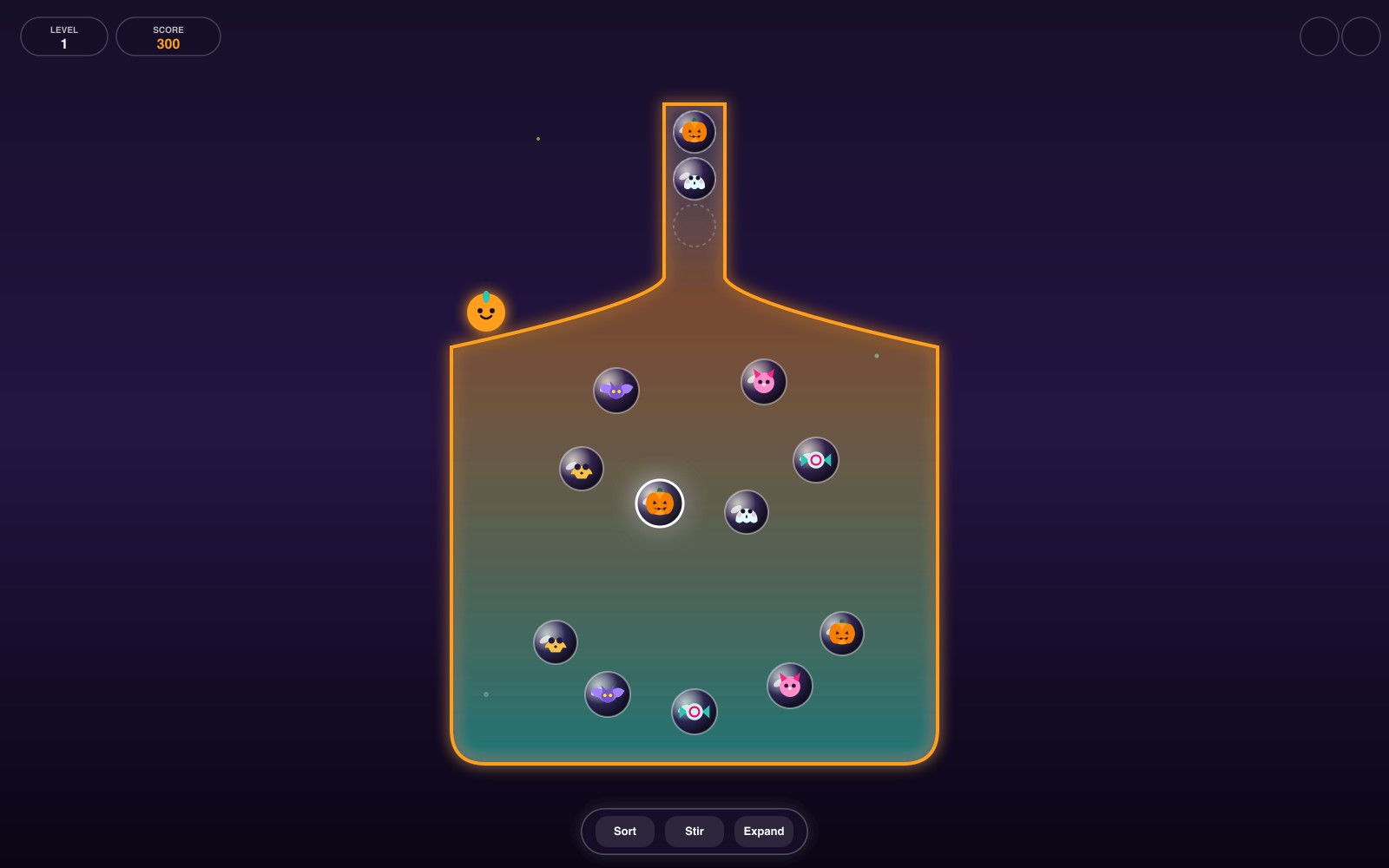
What is Potion Pop?
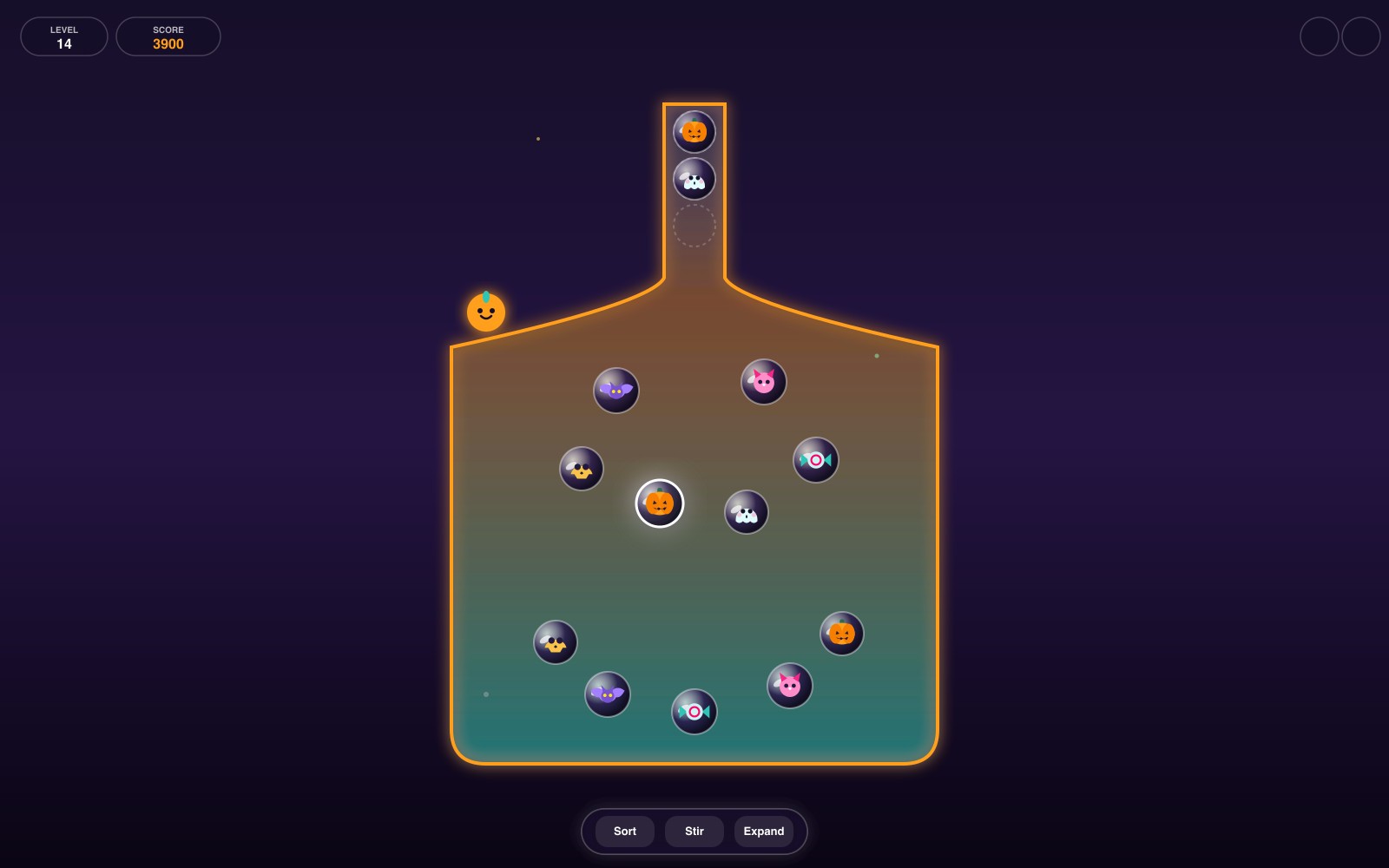
Potion Pop is an alchemy bubble-pairing physics puzzle game in your browser where you release creatures from a rounded flask into a narrow neck. Matching pairs instantly merge and pop to clear space, but sending unmatched bubbles fills the 4-slot neck until it overflows. Master 30 handcrafted levels with Sort, Stir, and Expand spells designed for quick relaxing sessions.
Key facts
- Genre
- Puzzle
- Players
- 1 (single player)
- Neck Capacity
- 4 bubble slots
- Content Scope
- 30 handcrafted levels
- Booster Spells
- Sort, Stir & Expand
- Star Objective
- Fast clears & combos
- Session length
- Under 5 min
- Platform
- Web browser
- Devices
- Desktop, tablet, mobile
- Price
- Free
- Sign-up
- Not required
How do you play Potion Pop?
Tap any floating magical bubble inside the glass flask belly to launch it upwards with buoyant momentum into the narrow neck slots. When two identical creature bubbles touch in the neck, they instantly merge and pop with colorful sparkles, clearing slots and awarding combo multipliers. Tap carefully to prevent mismatched bubbles from filling the 4-slot neck past capacity, as an unresolved overflow will trigger a defeat. Use the Sort, Stir, and Expand booster spells strategically to clear every bubble and complete all 30 alchemy puzzles.
Tips & strategy
- Always spot matching pairs in the flask belly before tapping to send them into the neck one right after another.
- Use the Sort Spell (S key) when the neck has two scattered matches blocked by other bubbles to trigger an instant pop.
- Use the Stir Spell (R key) to swirl the potion liquid and bring buried creatures from the flask floor to the surface.
- Activate the Expand Spell (E key) on difficult 9-kind stages to give yourself a vital 5th safety slot in the neck.
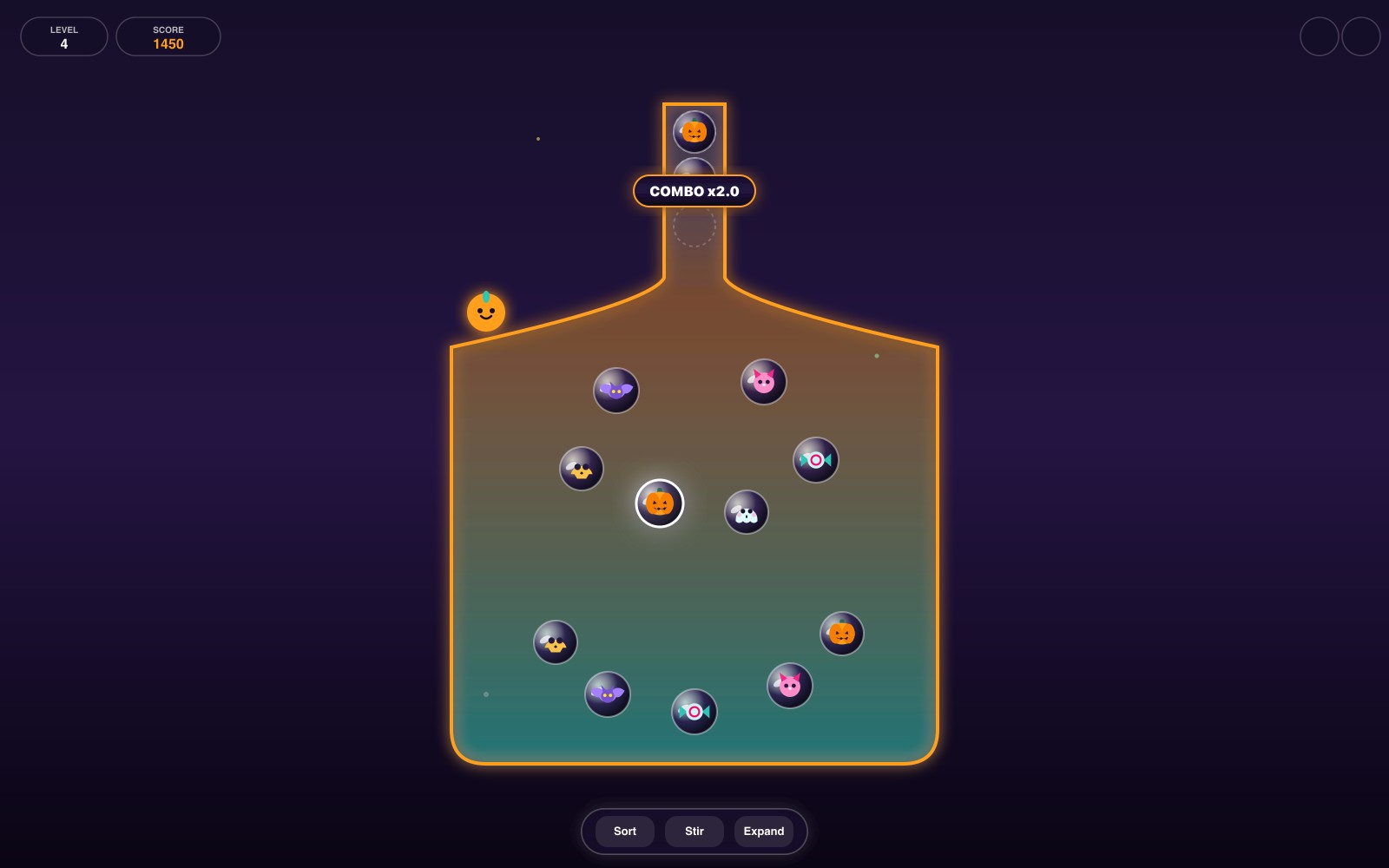
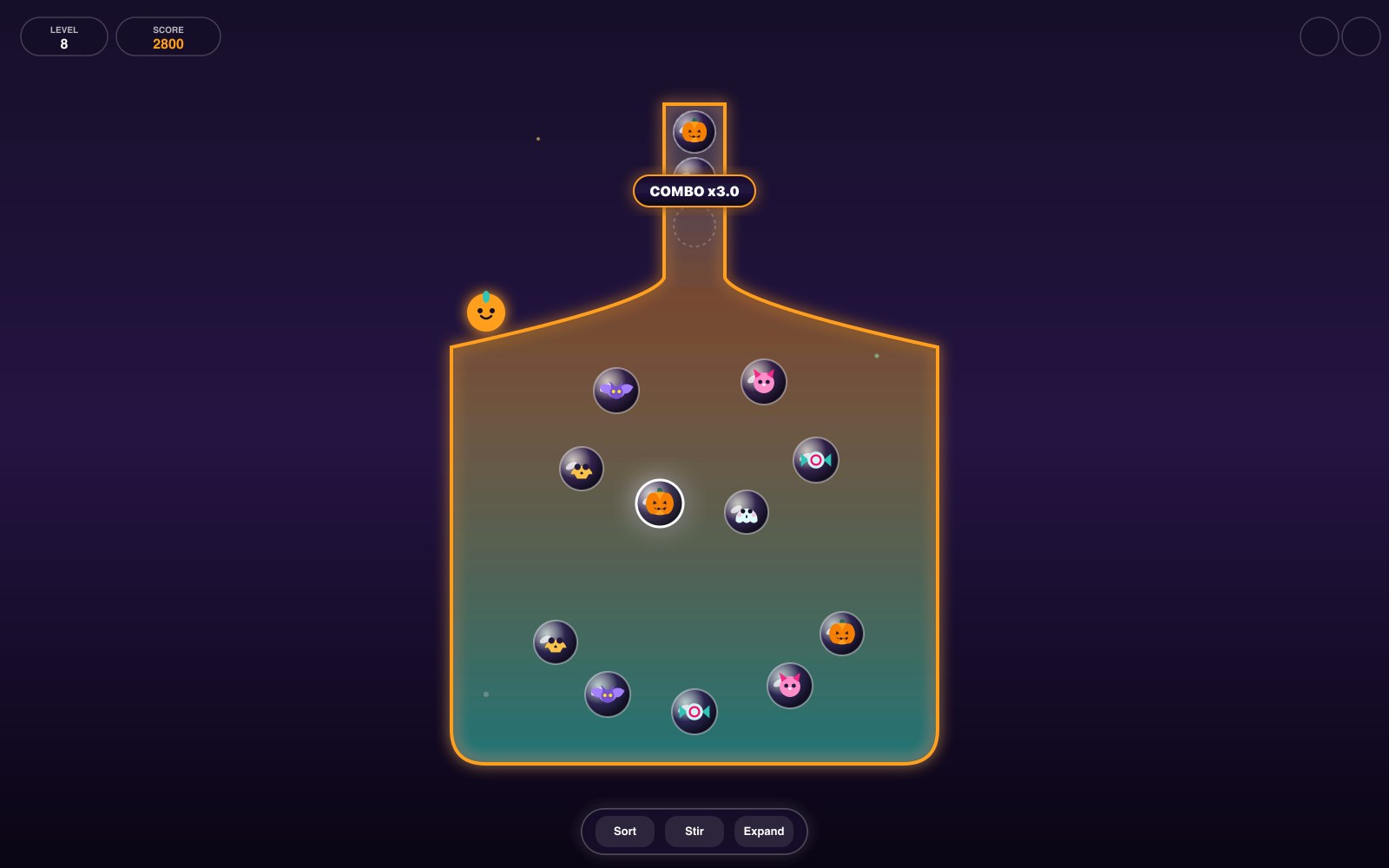
- Chain rapid pops within 1.8 seconds to build x1.5, x2.0 and x3.0 combo multipliers for maximum score.
What are the controls in Potion Pop?
| ACTION | INPUT |
|---|---|
| Launch bubble into neck | Tap bubble |
| Launch bubble into neck | Click bubble |
| Launch bubble by number key | 1 – 9 |
| Cast Sort Spell | S / Sort button |
| Cast Stir Spell | R / Stir button |
| Cast Expand Slot Spell | E / Expand button |
| Pause / Resume game | P / Esc / Pause button |
Plays with keyboard, mouse, and touch. Fullscreen works in desktop and mobile browsers.
Potion Pop FAQ
What happens when the neck fills past 4 bubbles in Potion Pop?
If the neck exceeds 4 bubbles, a red overflow warning glows around the rim. If you cannot match and clear a pair within 0.5 seconds, the potion clogs and overflows, resulting in game over. You can retry instantly.
How does the Sort Spell work in Potion Pop?
The Sort Spell rearranges the bubbles currently waiting in the neck so that matching creatures are placed directly side-by-side. If there is a matching pair inside the neck, they instantly collide and pop without taking any new bubbles.
How do you earn 3 stars on a Potion Pop level?
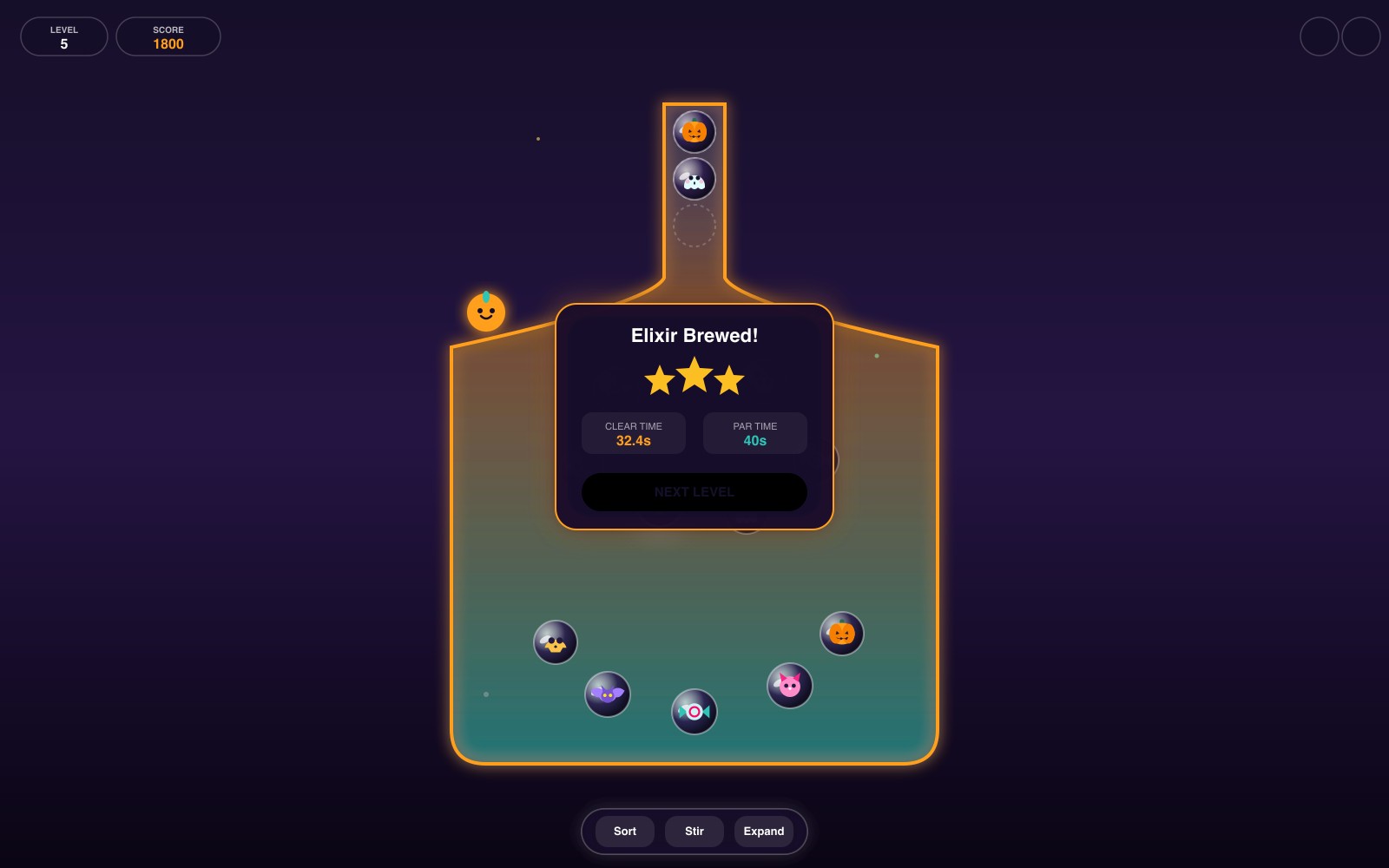
Each level features a target Par time (typically 35 to 60 seconds). Clearing the flask within Par time awards 3 stars. Clearing within 1.5x Par awards 2 stars, and simply finishing the level awards 1 star.
What are the 3 site mascots in Potion Pop?
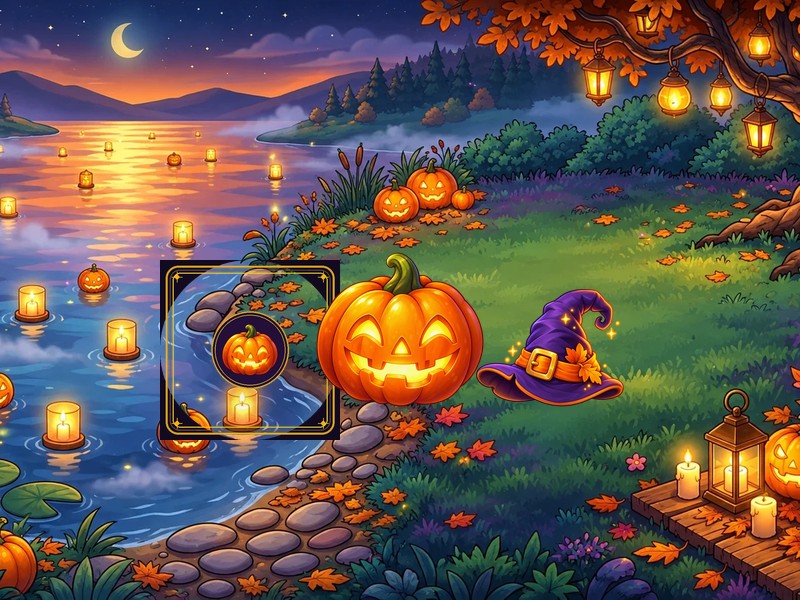
Depending on the site design theme, you play with Pip the glowing Pumpkin Spirit on go2.fun (arcade), Luna the Moon Familiar on PlayFuni (Apple HIG glass), or Spook the Cyber Bat on ZotaGame (neon violet gothic). All share identical physics.
Can you play Potion Pop entirely using keyboard controls?
Yes. You can press number keys 1 through 9 to launch bubbles directly, use Tab and Enter to focus and release bubbles, press S for Sort, R for Stir, E for Expand, and P or Esc to pause or resume.
More games like this