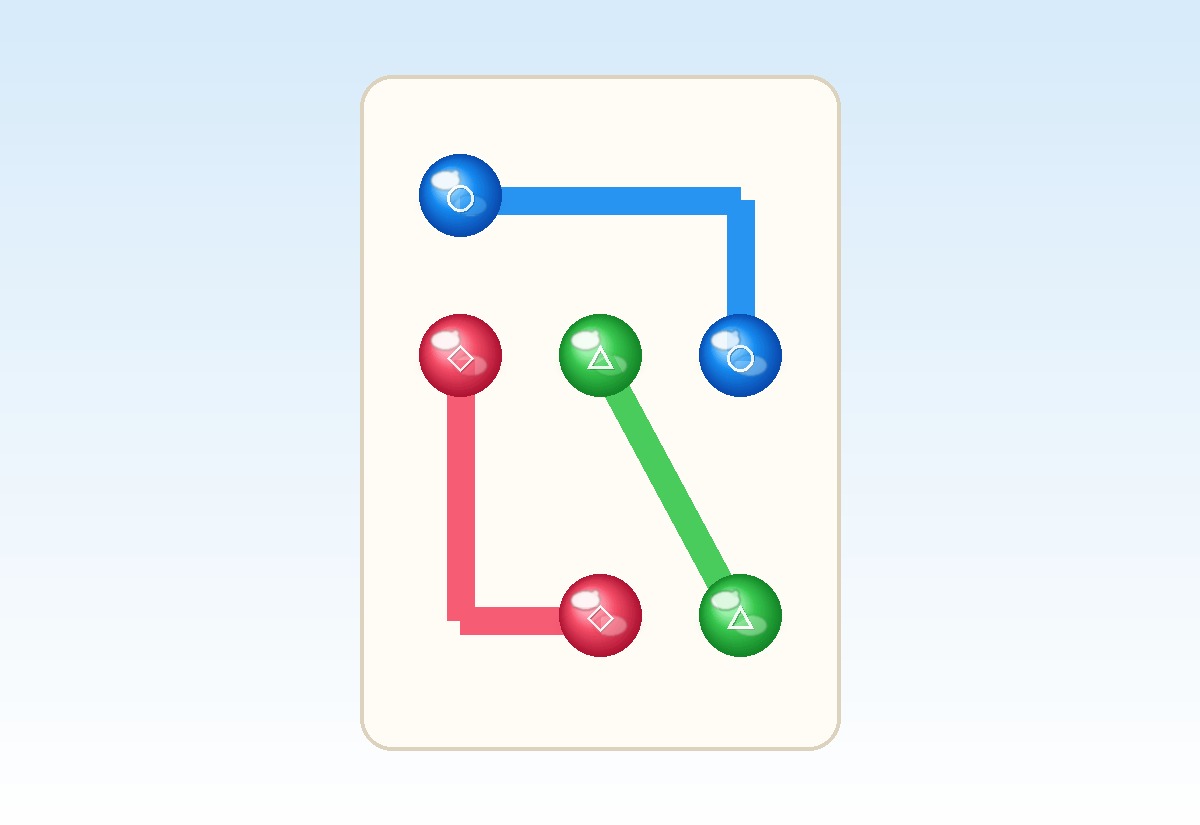
Preview
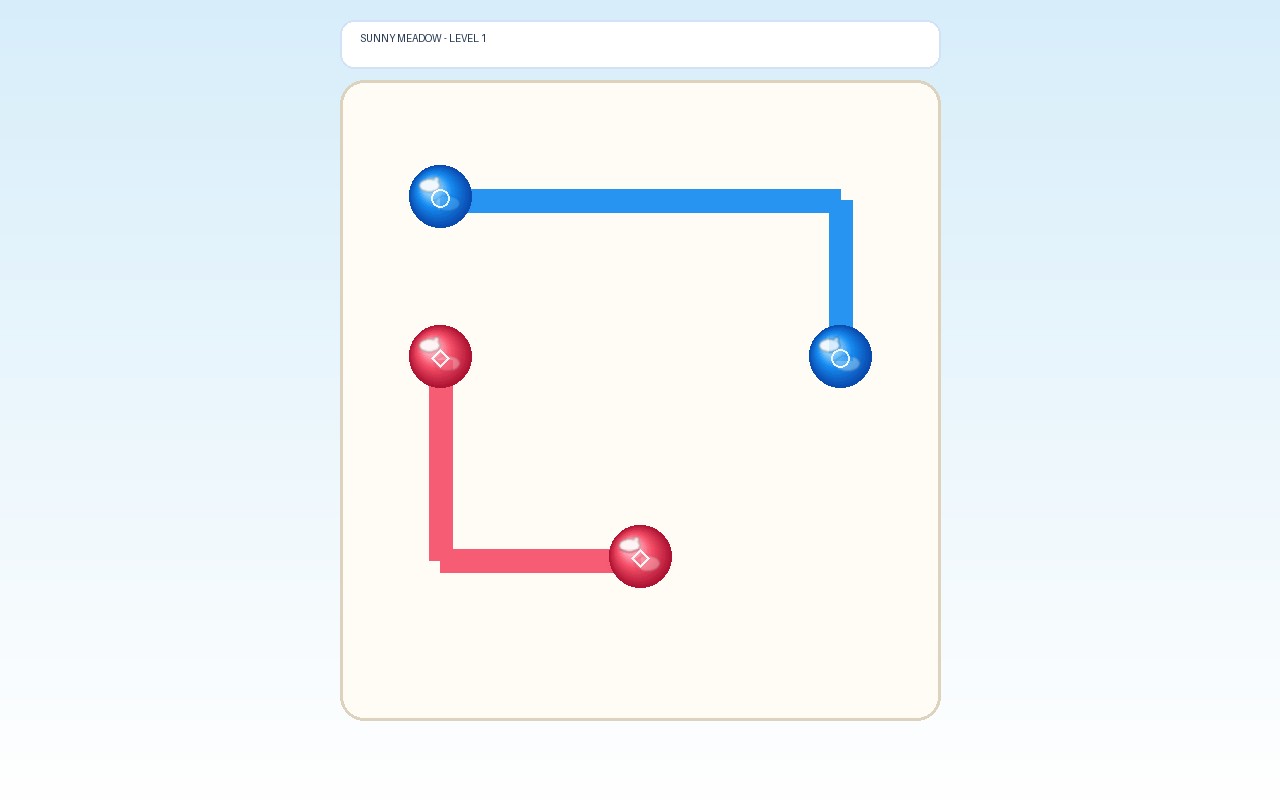
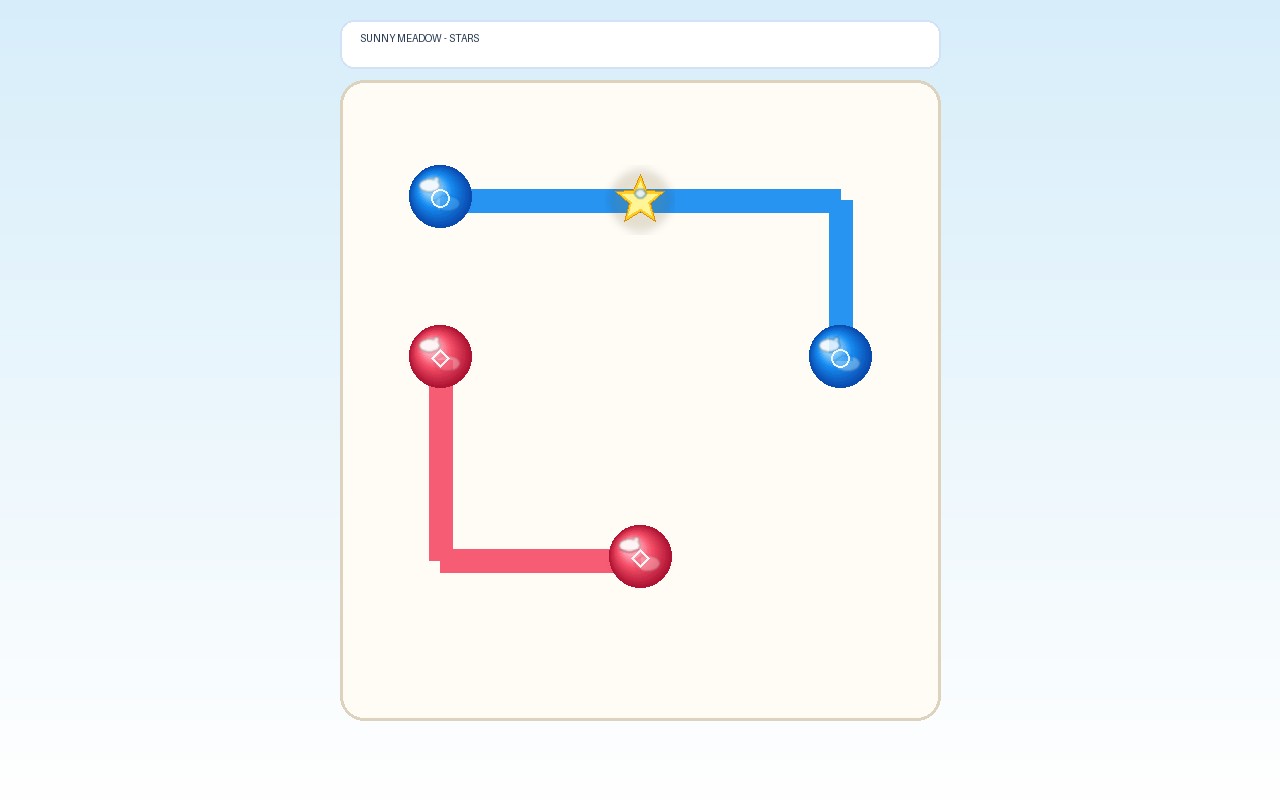
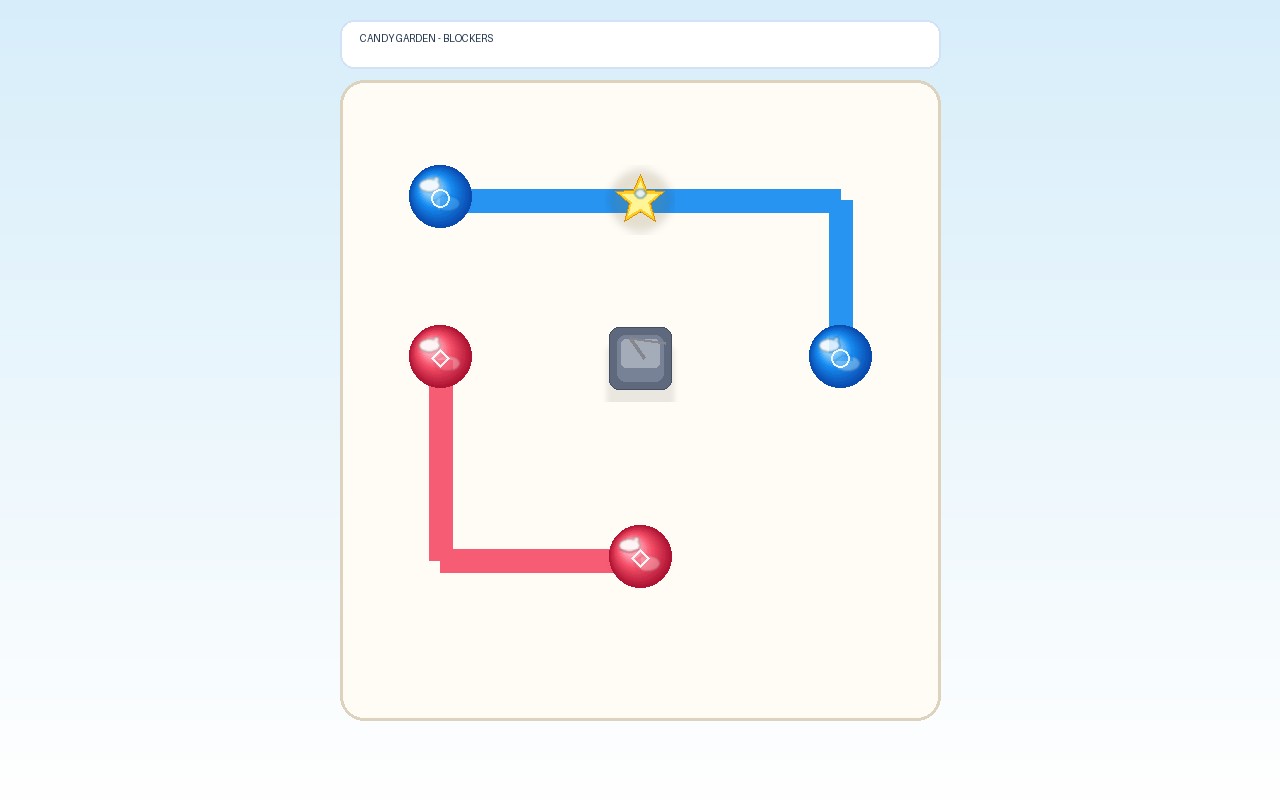
What is Glimmer Links?
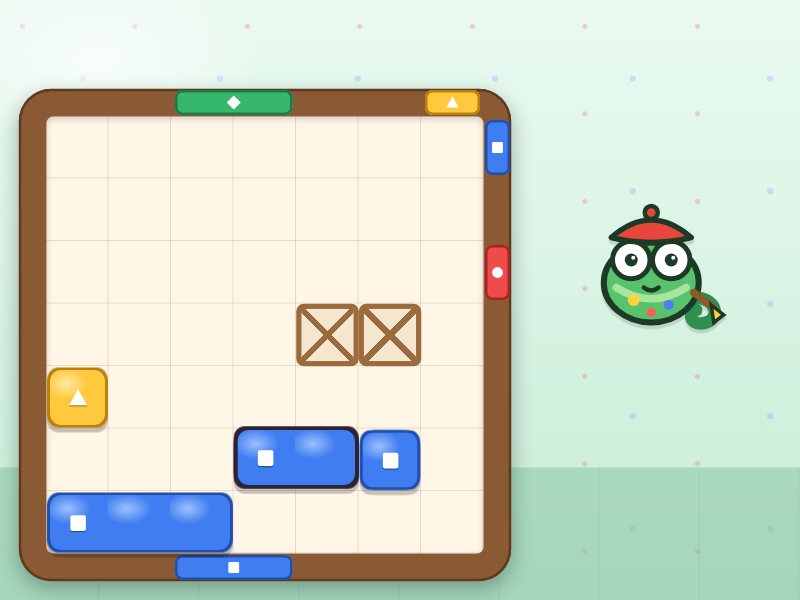
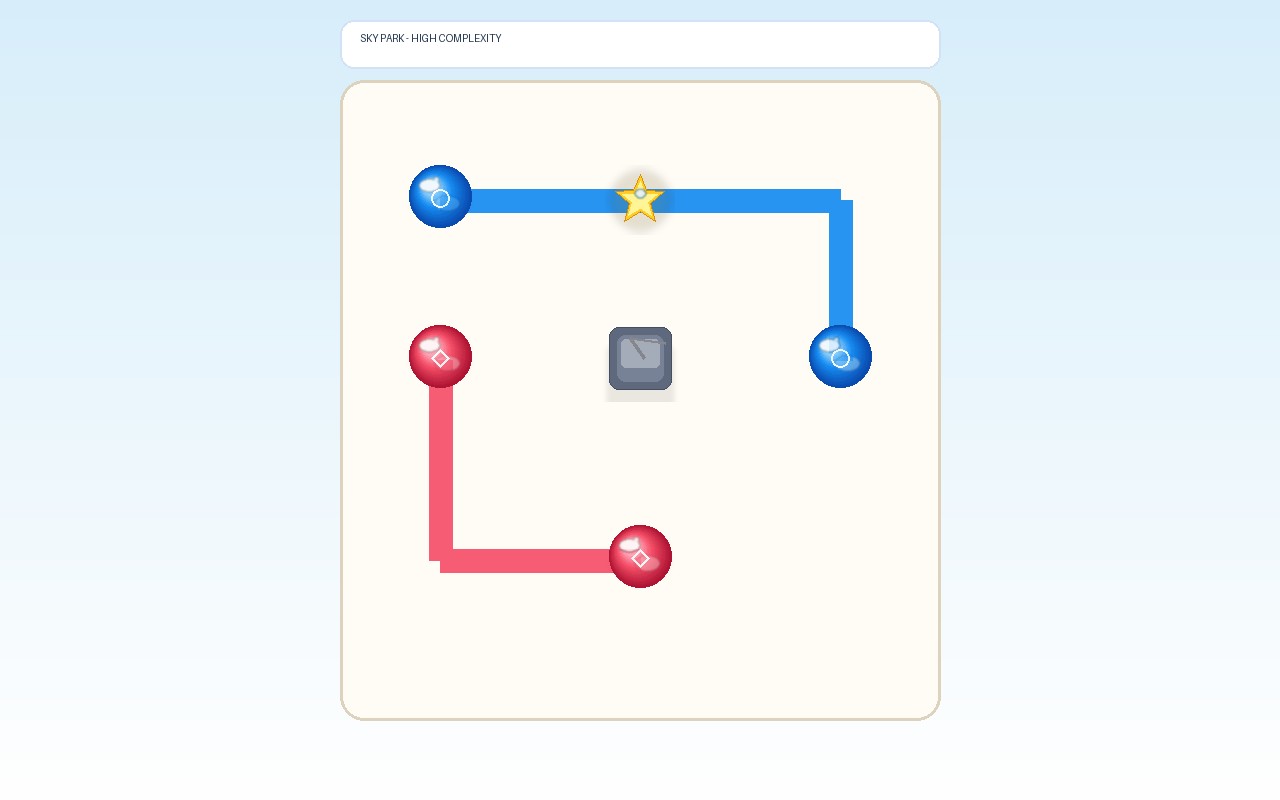
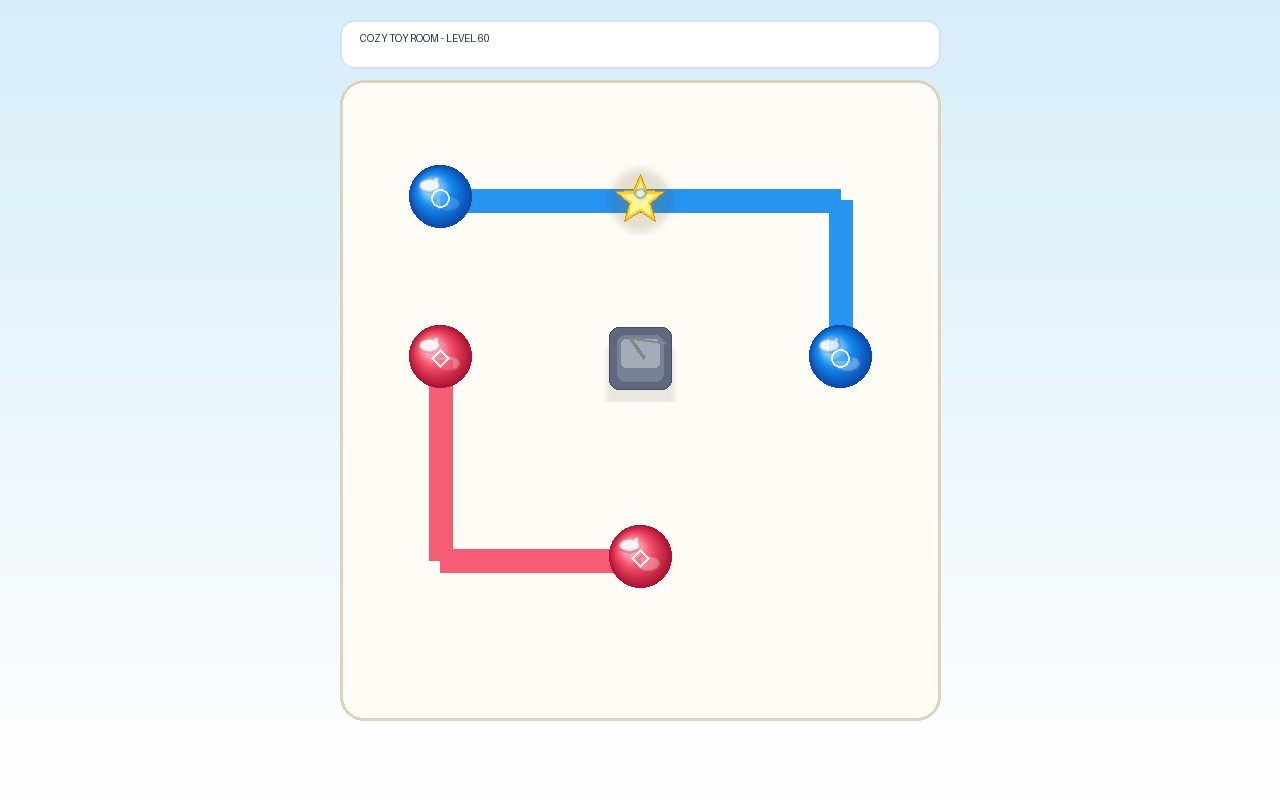
Glimmer Links is a delightful spatial color-pair puzzle game where you draw glossy, vibrant silicon paths between matching endpoint orbs across a clean grid. Navigate carefully around immovable slate and wooden blockers, plan your route so lines never overlap, and pass through mandatory glowing star checkpoints before your move budget runs out. With 60 handcrafted levels spanning 4 enchanting worlds (Sunny Meadow, Candy Garden, Sky Park, and Cozy Toy Room), it is crafted for puzzle lovers who enjoy satisfying, tactile logic without rush or pressure.
Key facts
- Genre
- Puzzle
- Players
- 1 (single player)
- Handcrafted Levels
- 60 levels across 4 worlds
- Glow Stars
- Mandatory route checkpoints
- Move Cap
- Generous moves with free undo
- Session length
- Under 5 min
- Platform
- Web browser
- Devices
- Desktop, tablet, mobile
- Price
- Free
- Sign-up
- Not required
How do you play Glimmer Links?
Select any colored orb on the board and drag across adjacent orthogonal cells to connect it to its matching partner of the same hue. Paths cannot cross existing lines, enter obstacle stones, or jump diagonally. Every level includes mandatory Glow Stars that must have a completed line running through them. Each committed path uses one move; you can freely backtrack while dragging or use Undo to lift a line. Connect all pairs and cover all stars within your move limit to win up to 3 stars, earning bonus points for remaining moves.
Tips & strategy
- Connect outer or corner pairs first to leave the open center for intricate paths.
- Backtrack along your current drag line to shorten the preview without using a move.
- Undo lets you remove the last committed path safely if another color needs the way.
What are the controls in Glimmer Links?
| ACTION | INPUT |
|---|---|
| Draw connecting path | Drag between matching endpoints |
| Navigate grid | Arrow keys / WASD |
| Select / commit endpoint | Space / Enter |
| Undo last route | Z key |
| Restart level | R key |
| Hint | H key |
| Pause | P / Esc |
Plays with keyboard, mouse, and touch. Fullscreen works in desktop and mobile browsers.
Glimmer Links FAQ
Can paths cross each other in Glimmer Links?
No. Each grid cell can only be occupied by one colored path. You must route each connection around other active routes without overlapping or diagonal hops.
What happens when I run out of moves?
The level ends in a friendly retry screen. You can restart immediately at zero cost without losing your previously unlocked levels or stars.
Do all glowing stars need to be collected to win?
Yes. Every star placed on the board must have a finalized colored path running directly through its cell in order to trigger victory.
How do Undo and Restart work in Glimmer Links?
Undo lifts the most recently committed route so you can redirect colors, though it does not refund used moves. Restart completely clears the board and resets your full move budget.
How does the Hint system assist without spoiling the puzzle?
The Hint button highlights the next 3 to 4 stepping cells of a verified solution for an unfinished color pair. You can use up to 2 hints per attempt, which slightly reduces your star score.
More games like this